
1.Begin by navigating to the dashboard and selecting Box office → Gift cards → Gift card providers to access the gift card provider page.
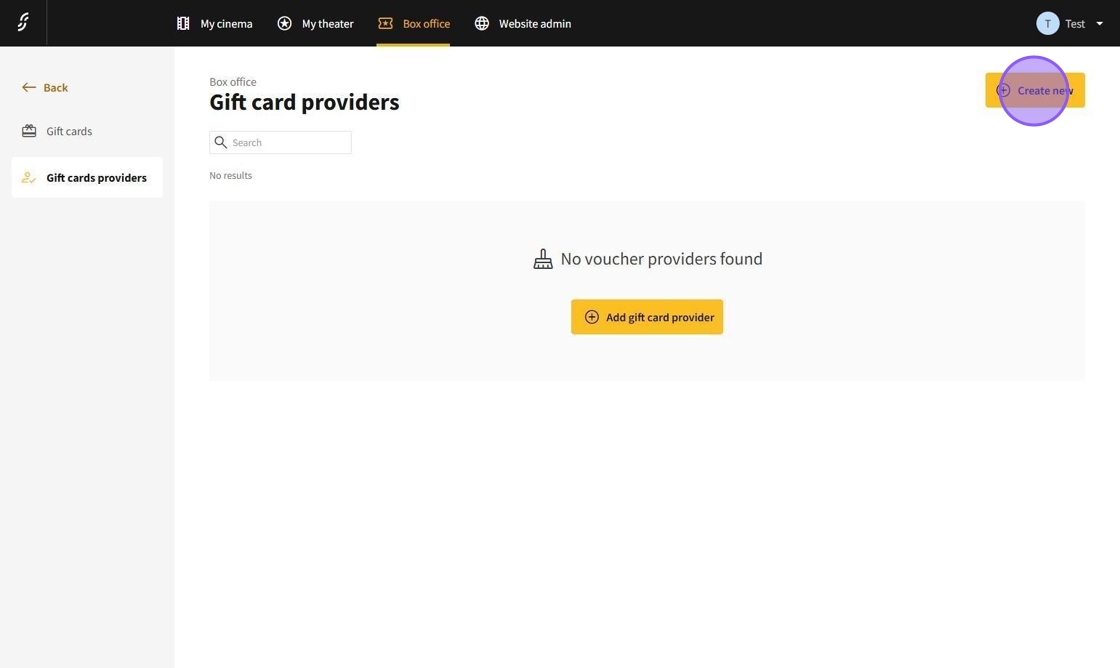
2.On the gift card provider page, you can add a new provider by clicking the Create New button.
3.You will now be directed to the provider editing page where you can create a new provider.
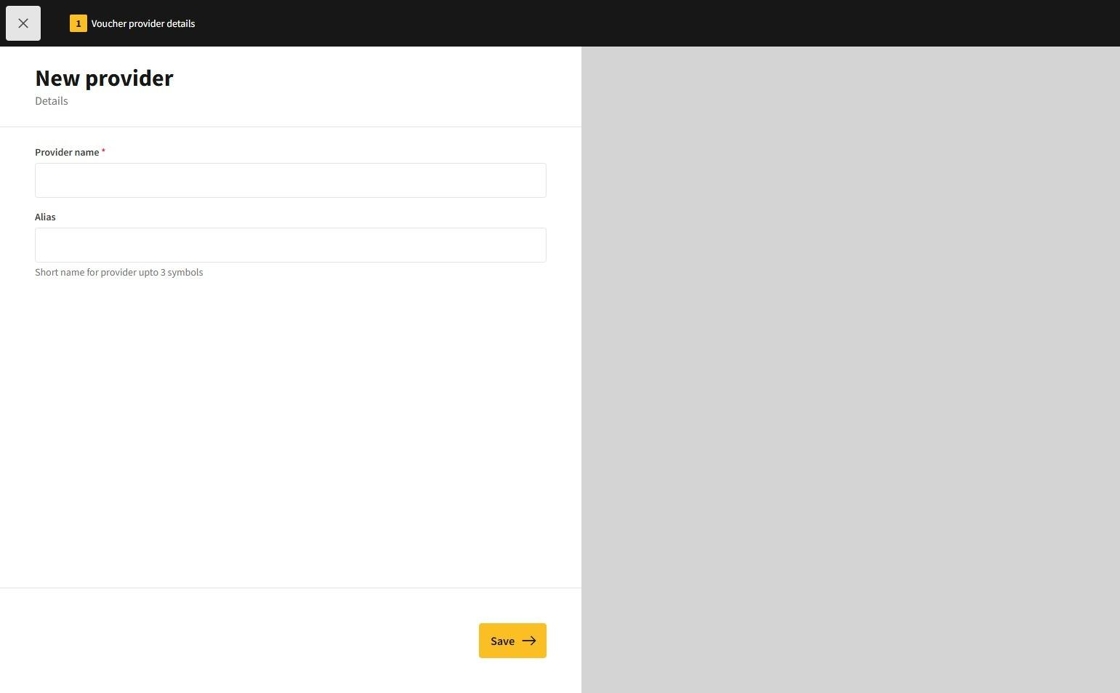
4.On the provider page, you will find the following text fields:
Provider Name: This sets the provider name.
Alias: A three-character short name for the provider.
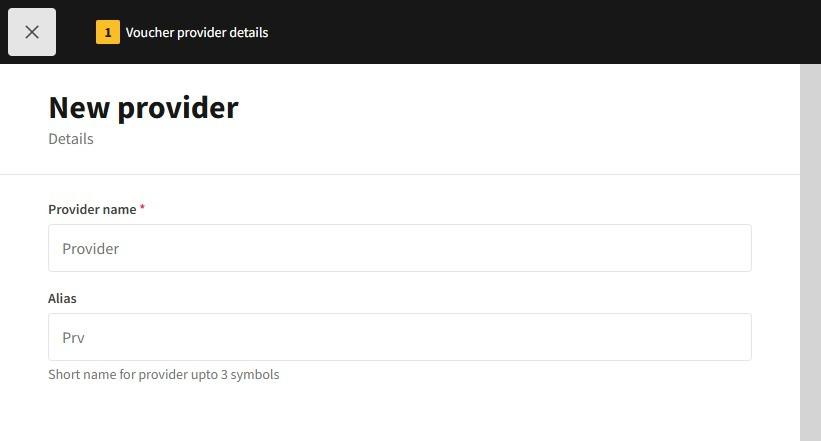
5.After entering the provider's information, click the Save button.


6.The gift card provider will now be added.
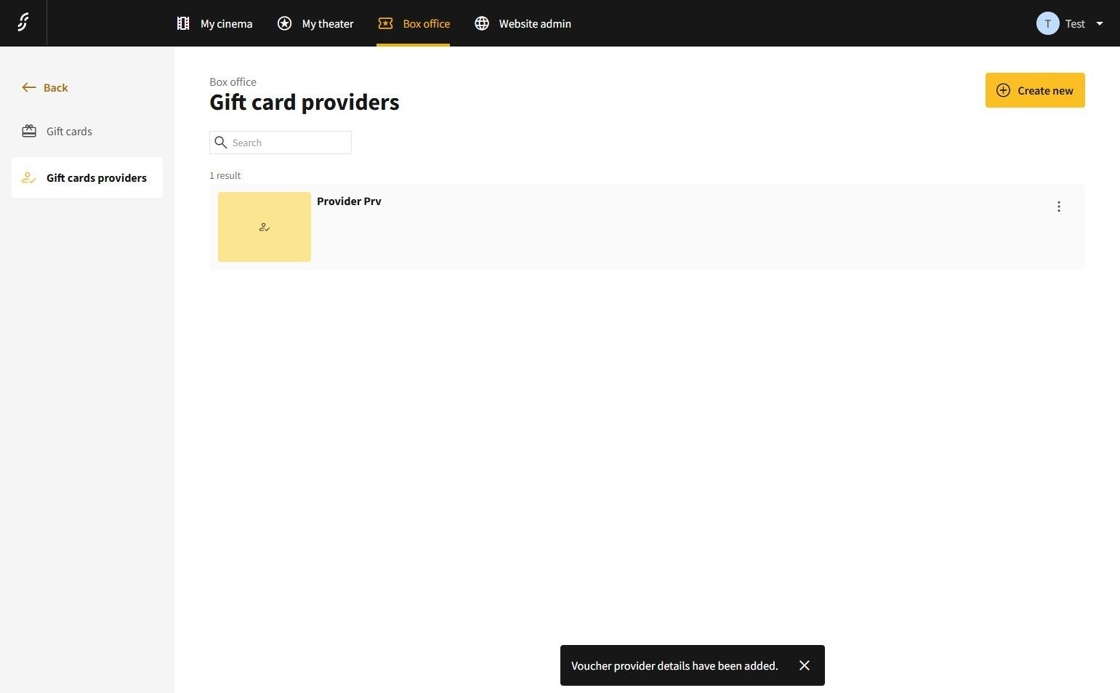
7.To toggle the availability of the provider or to edit it, click on the "⋮" and select the desired option.