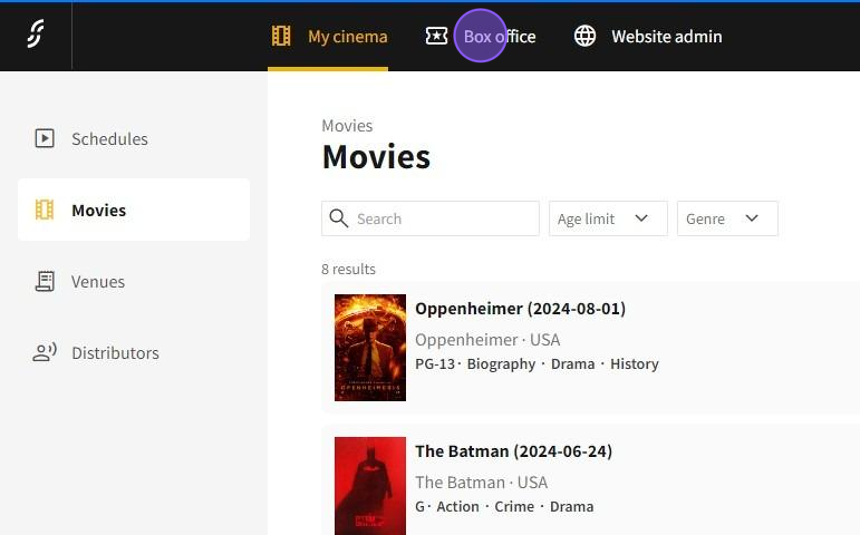
1.Click on Box office
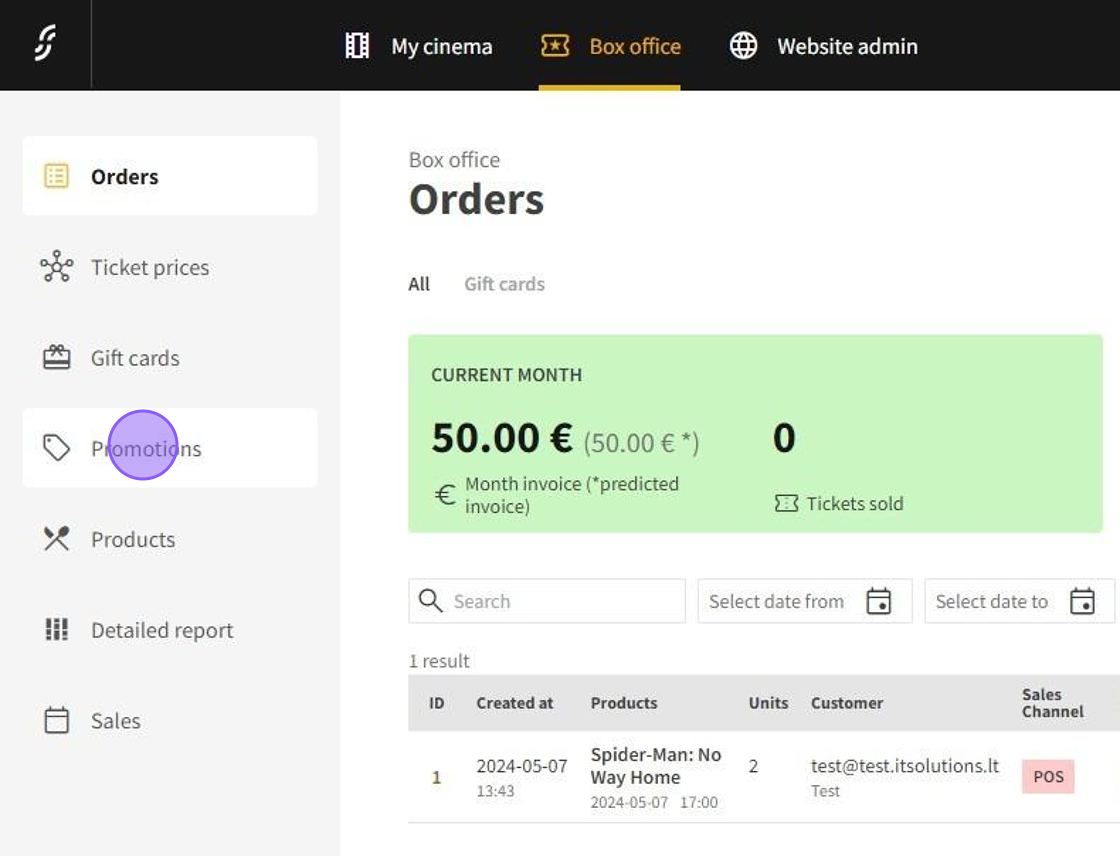
2.Click on Promotions
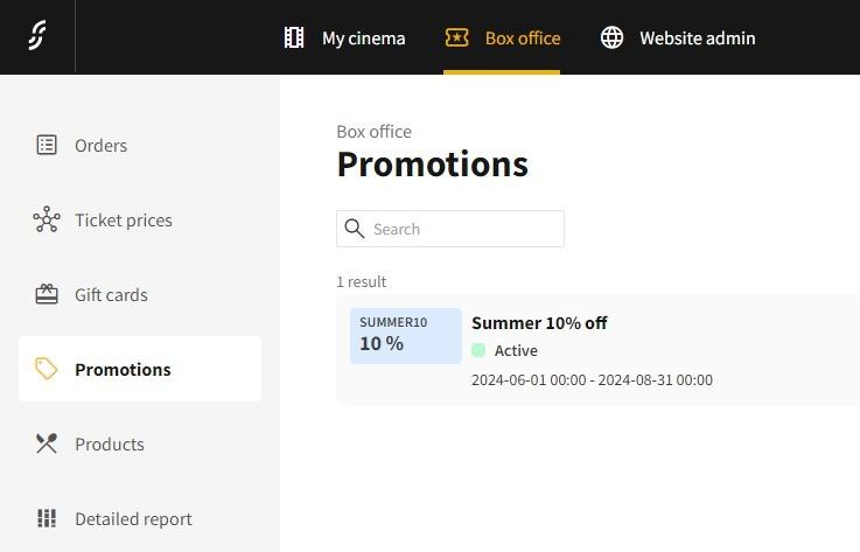
3.In the promotions tab you can see all of the existing promotions
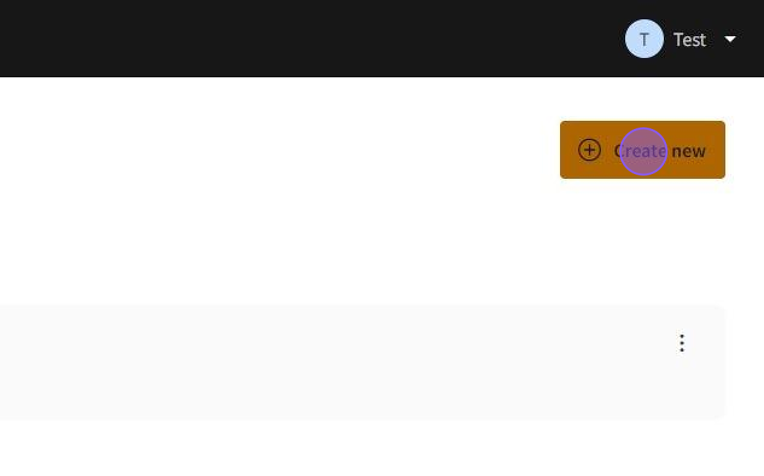
4.Click on Create new to start creating a new promotion
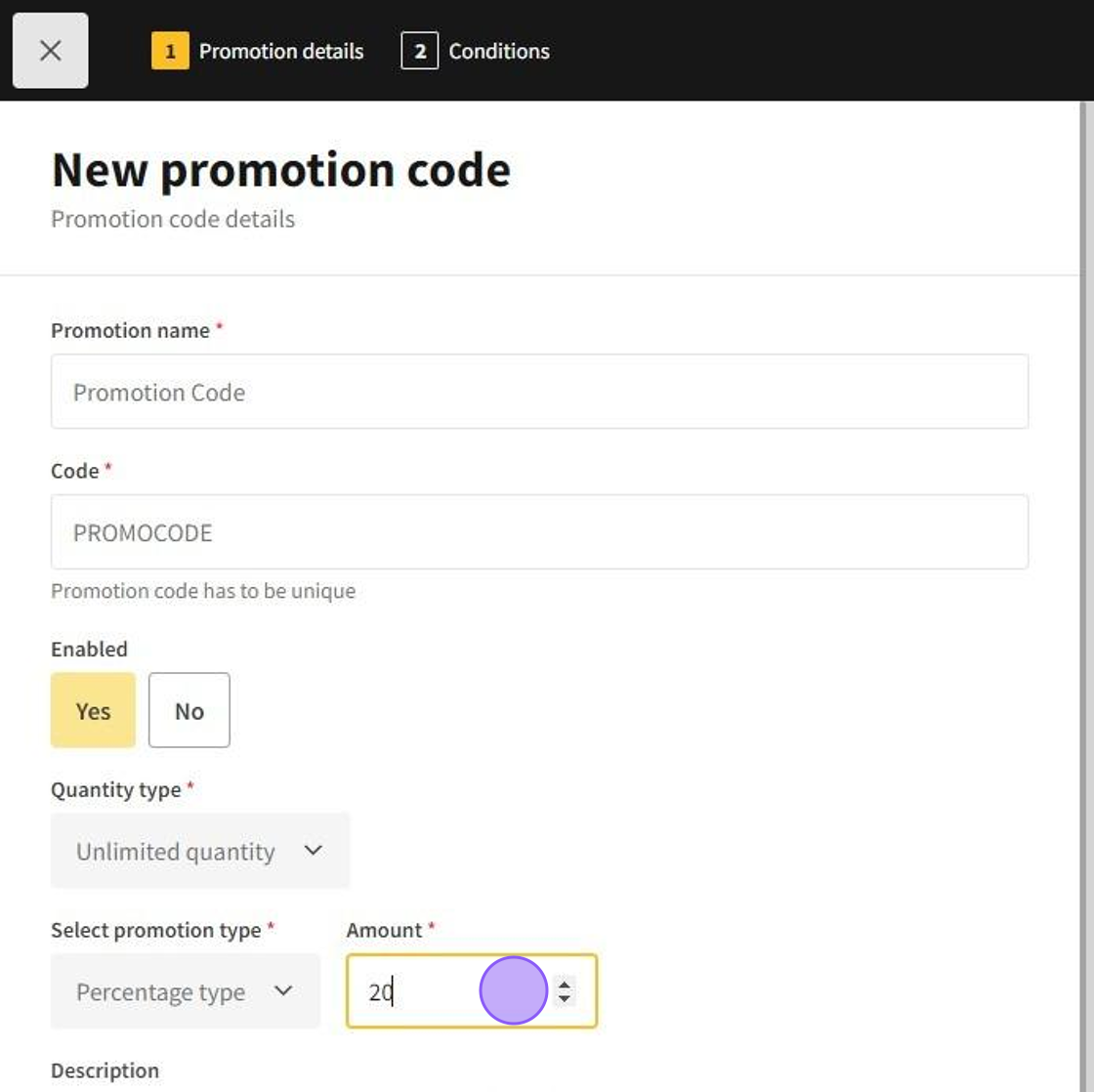
5.- Write the name for the promotion in Promotion name
- Set a unique code for the promotion which then customers could use in Code
- (Optional) The promotion can be disabled by selecting "No" on Enabled, to reenable the promotion select "Yes"
- Select if the promo code quantity is unlimited or limited to a fixed amount in Quantity type
- Select the promo type if the promo's discount is a percentage by selecting "Percentage type" or a fixed amount by "Amount type" in Select promotion type
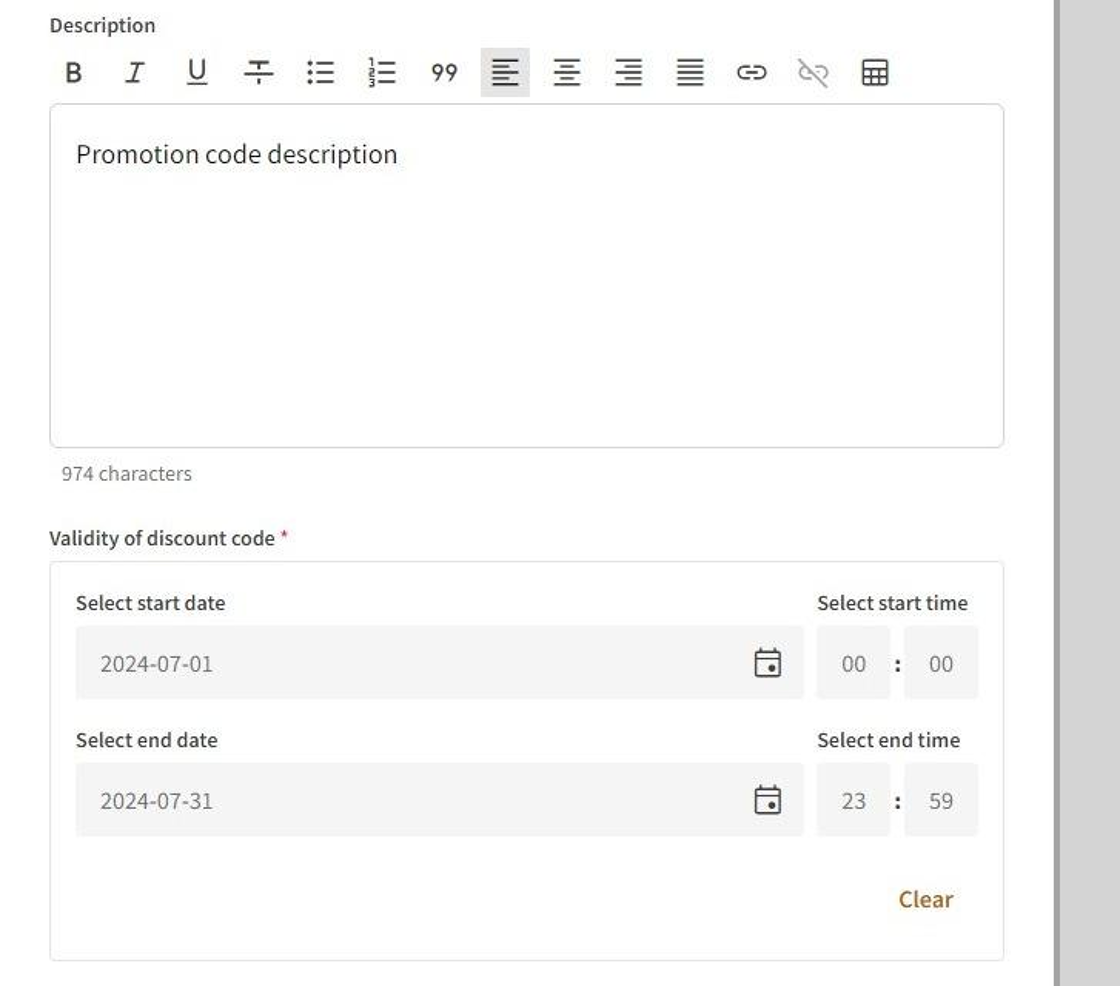
6.- (Optional) Write a description for the promotion in Description
- Set the validity period for the discount code in Validity of discount code
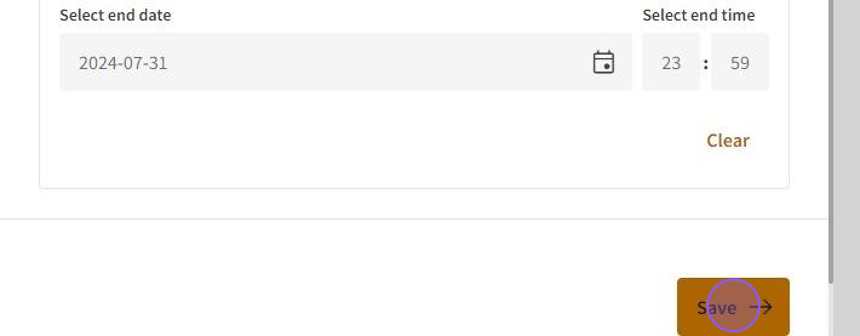
7.Click on Save to move to promo code conditions
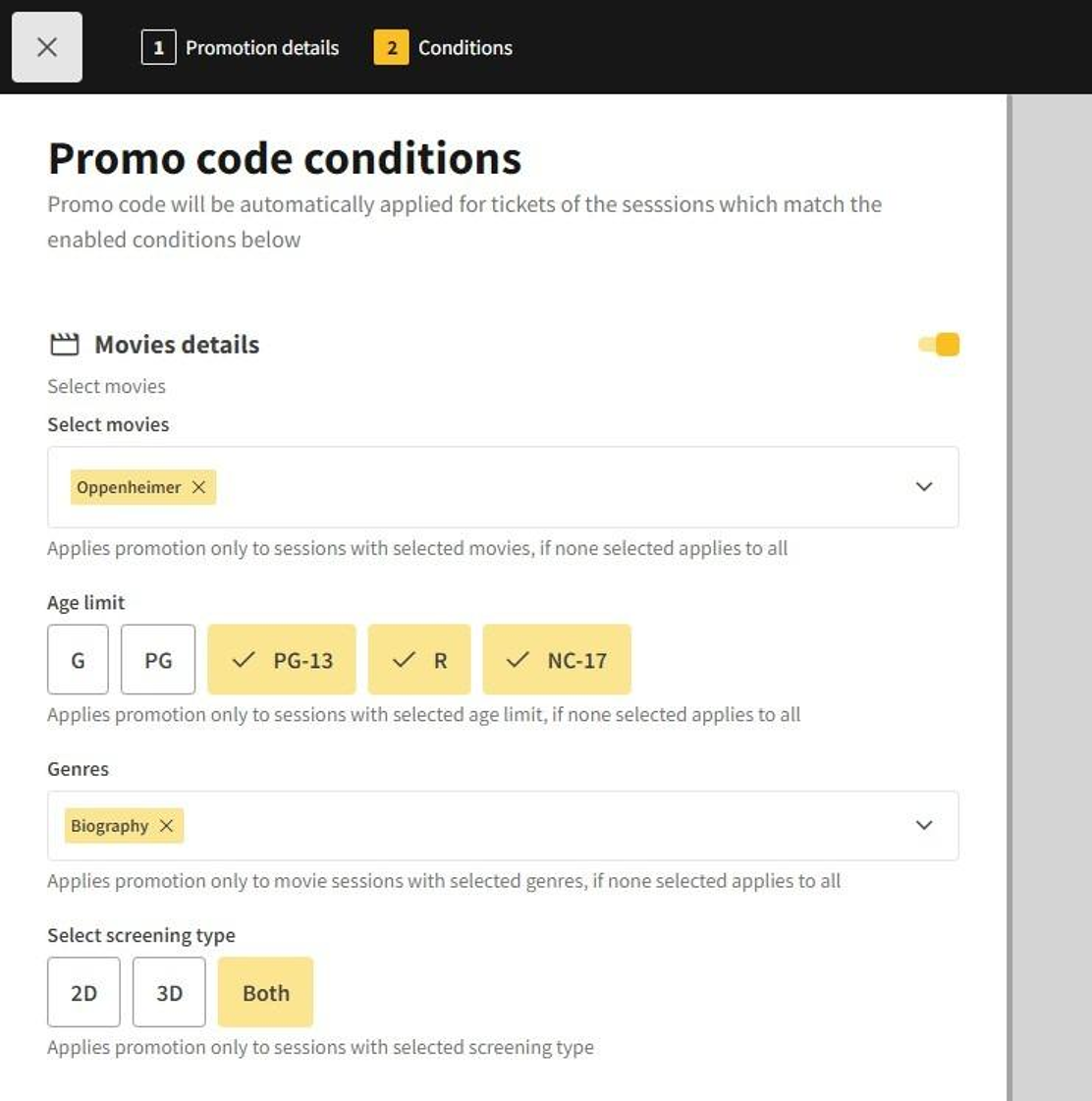
8.(Optional) Promo code conditions: Promo code will be automatically applied to tickets of the sessions which match the enabled conditions
- Movies details: applies promotions only to sessions with selected movies, if none selected applies to all
- Age details: applies promotions only to sessions age limit, if none selected applies to all
- Genres: applies promotions only to movie sessions with selected genres, if none selected applies to all
- Select screening type: applies promotions only to sessions with selected screening types
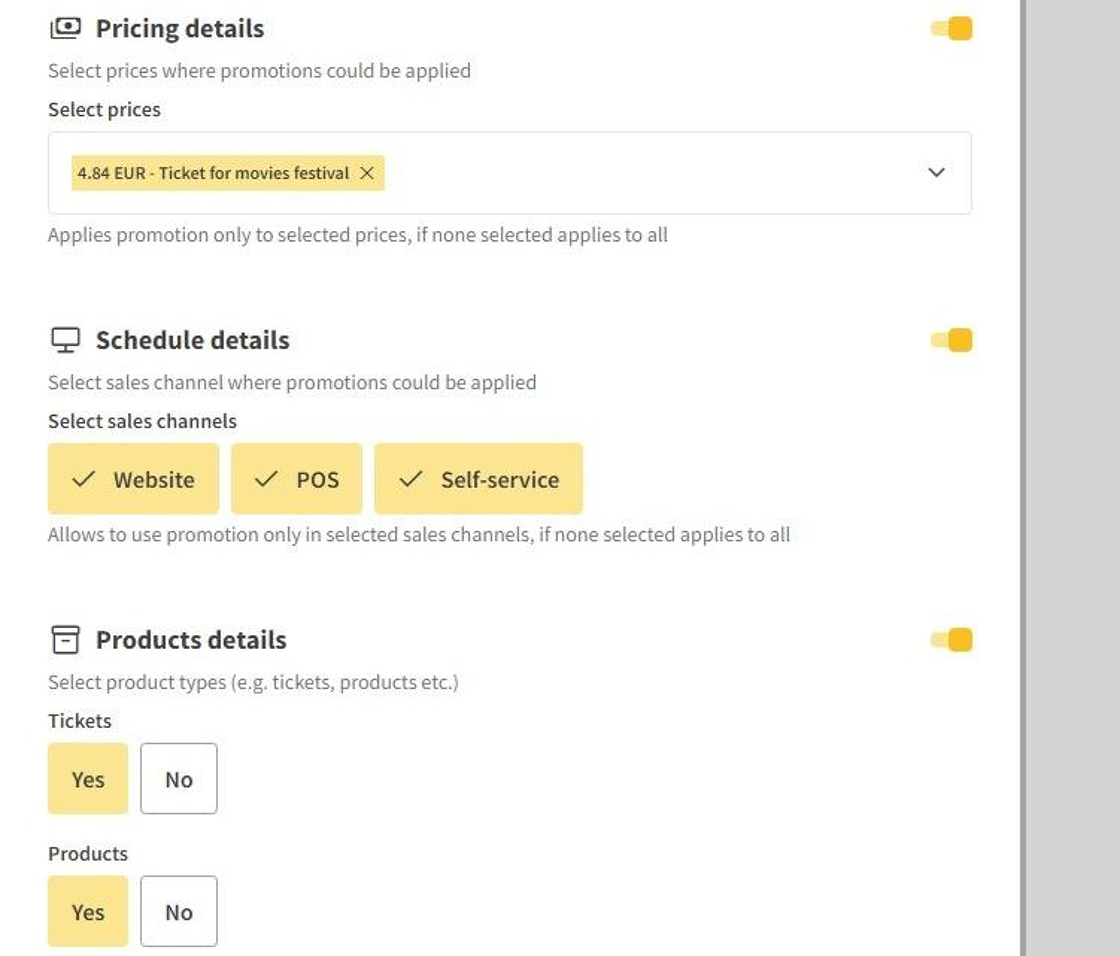
9.- Pricing details: applies promotions only to selected prices, if none selected applies to all
- Schedule details: allows to use promotions only in selected channels, if none selected applies to all
- Products details: allows to use promotions only with tickets and/or products
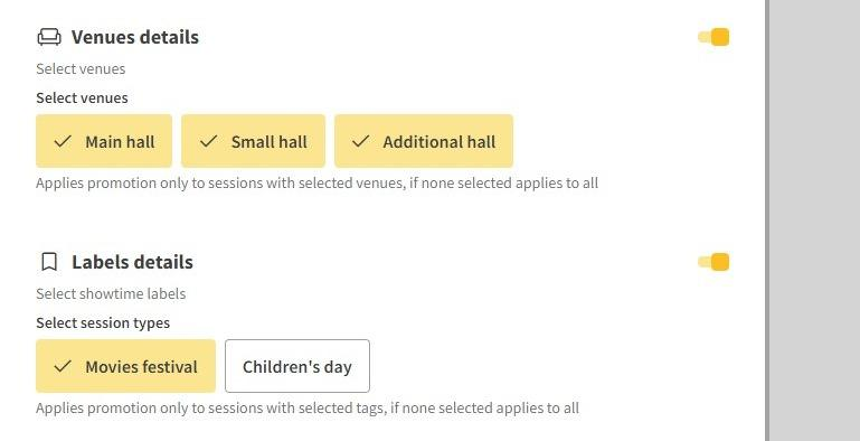
10.- Venue details: applies promotions only to sessions with selected venues, if none selected applies to all
- Label details: applies promotions only to sessions with selected tags, if none selected applies to all
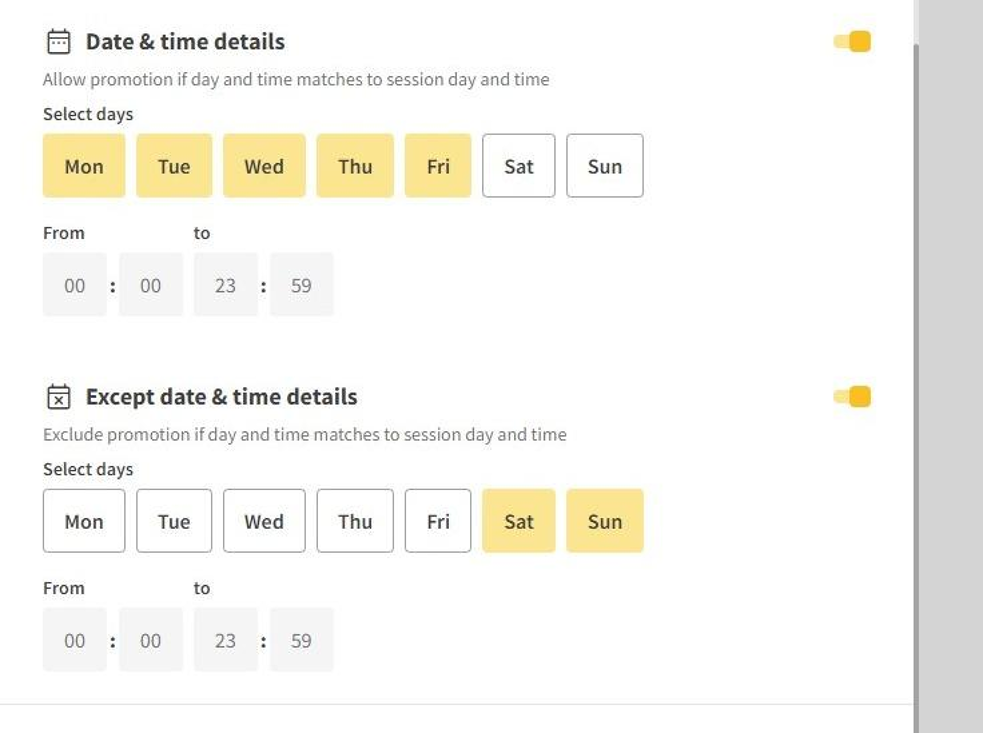
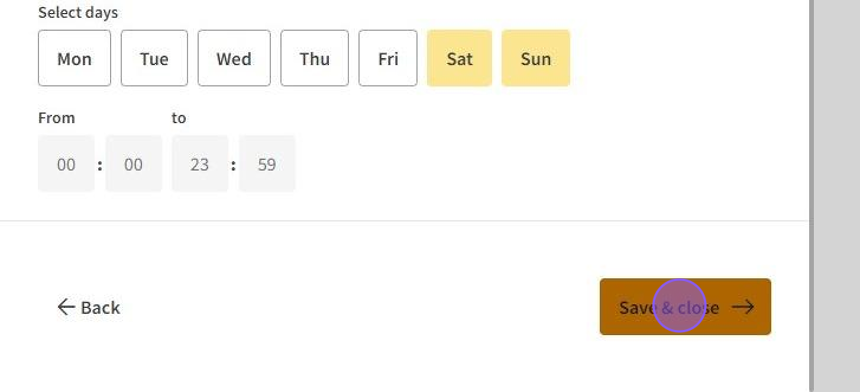
11.- Date & time details: allows promotions if day and time matches to session day and time
- Except data & time details: exclude promotions if day and time matches to session day and time
12.Click on Save & close to save the promo code
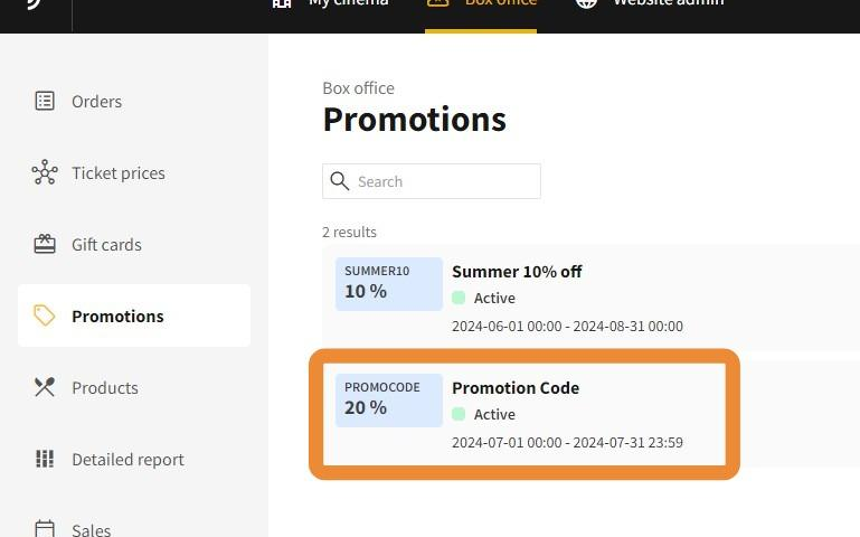
13.The new promotion and it's promo code will be instantly visible in the promotions tab