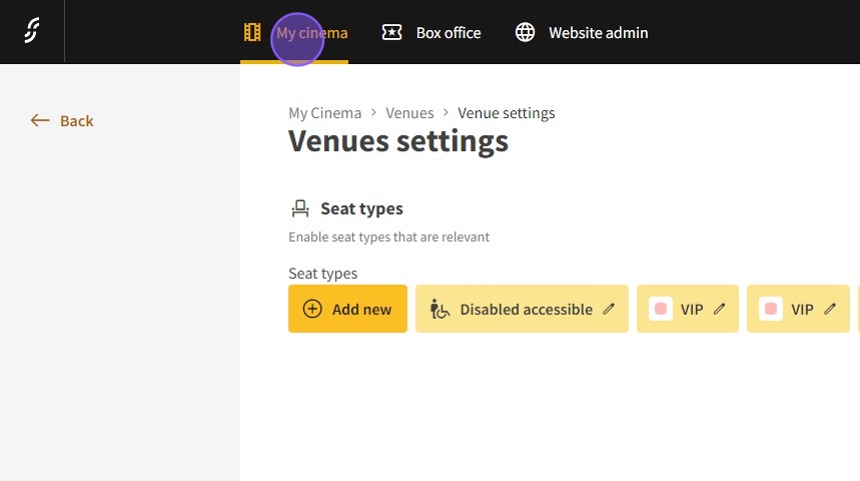
1.Click "My cinema"
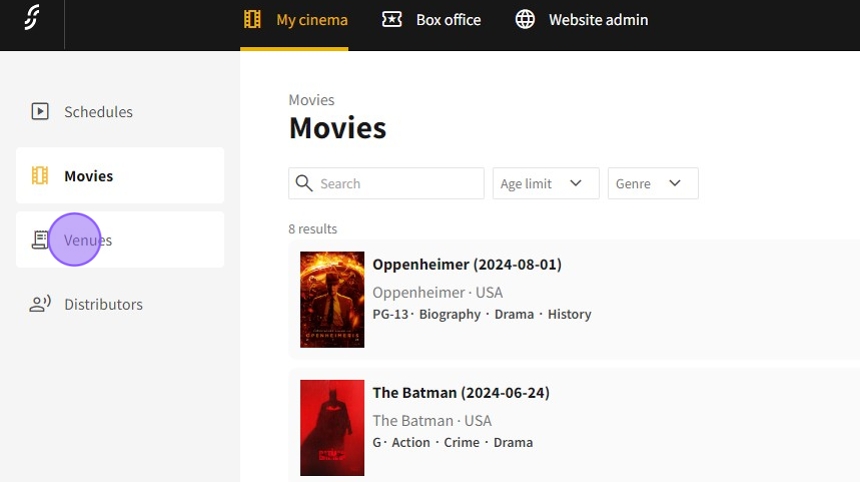
2.Pick "Venues"
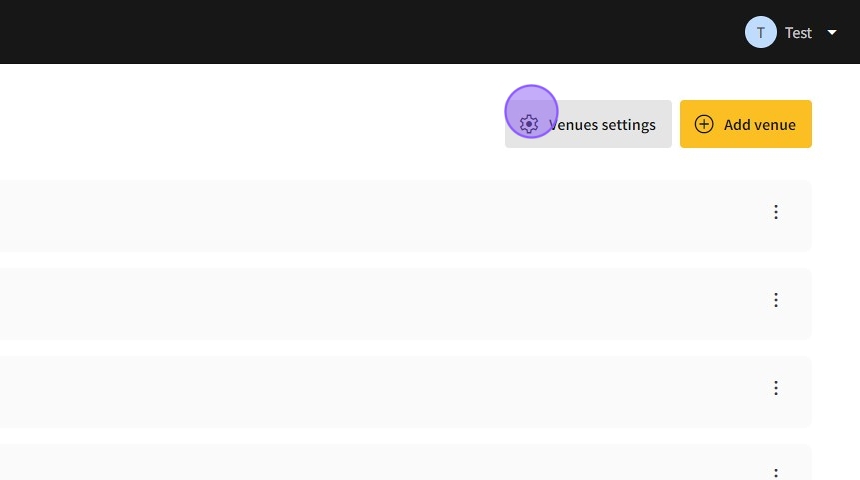
3.Click "settings"
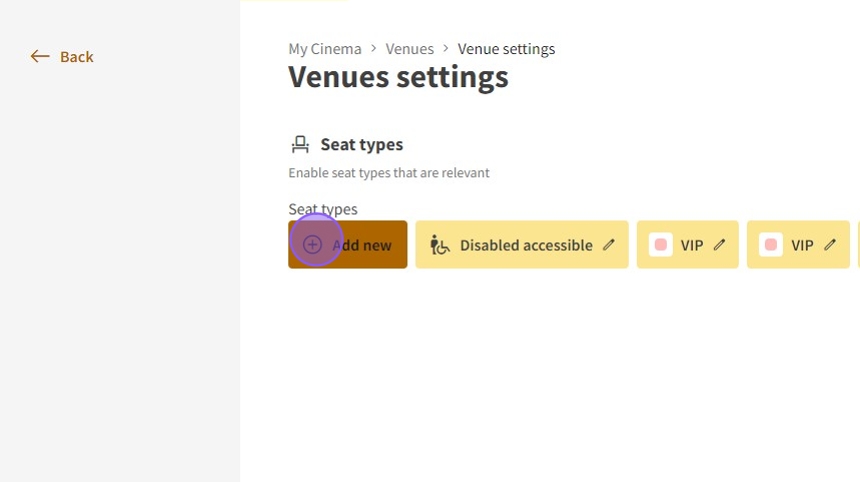
4.Click "Add new" seat types for a row range to set.
5.In the seat type title write the range, for example 1-3 rows.
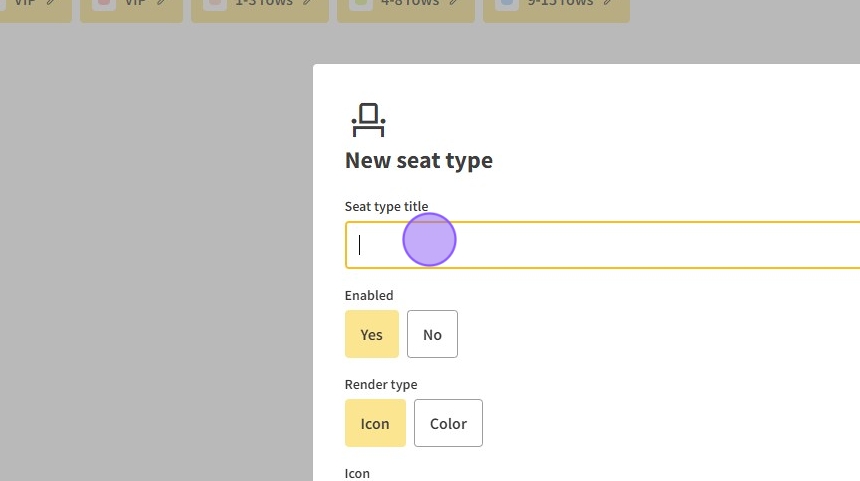
6.Click here.

7.Pick "Color" for the range
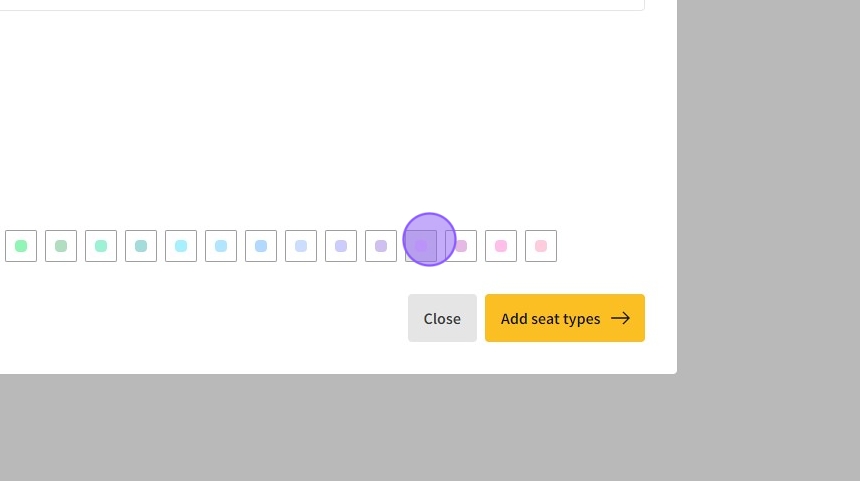
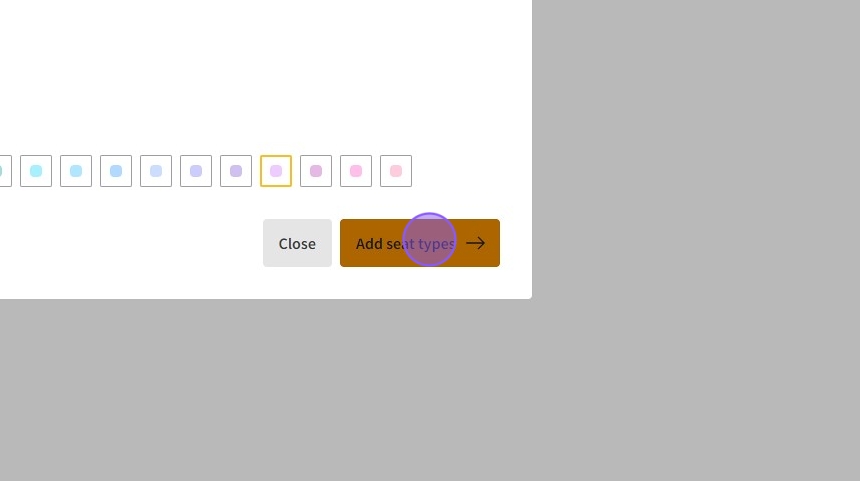
8.Click "Add seat types"
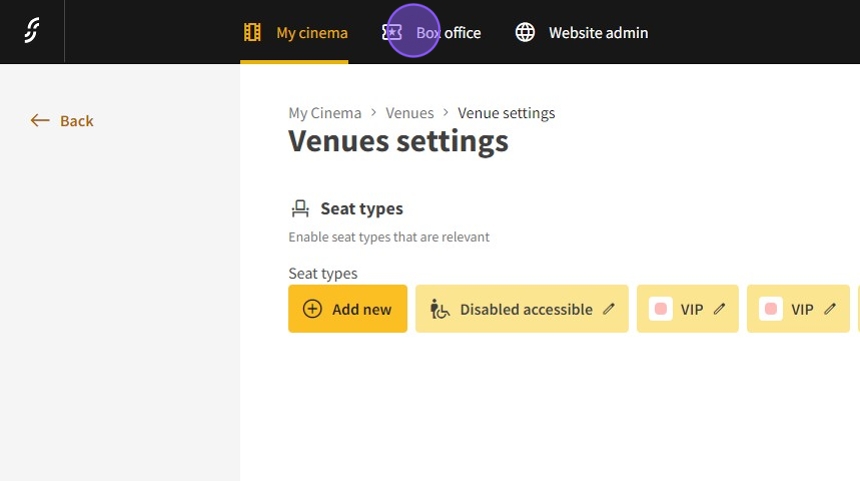
9.Go to "Box office"
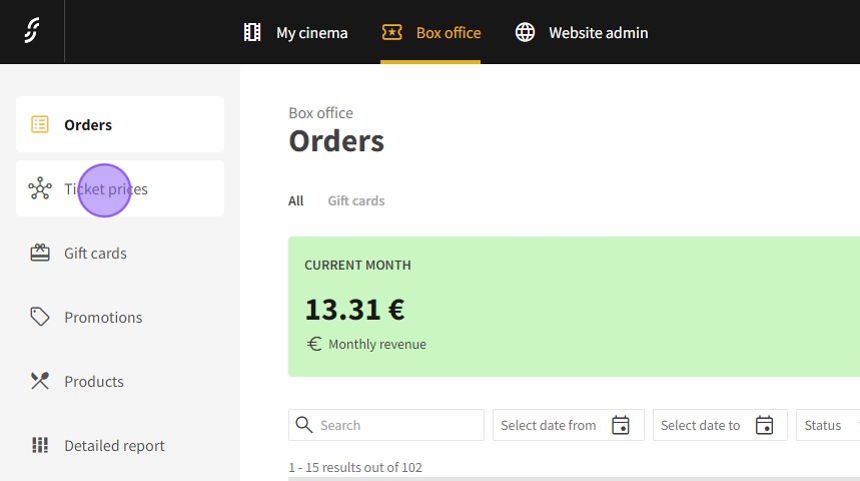
10.Click "Ticket prices"
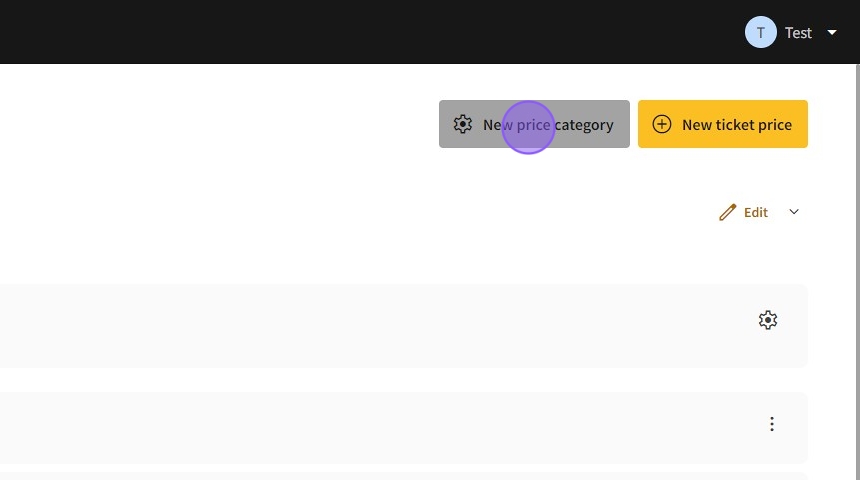
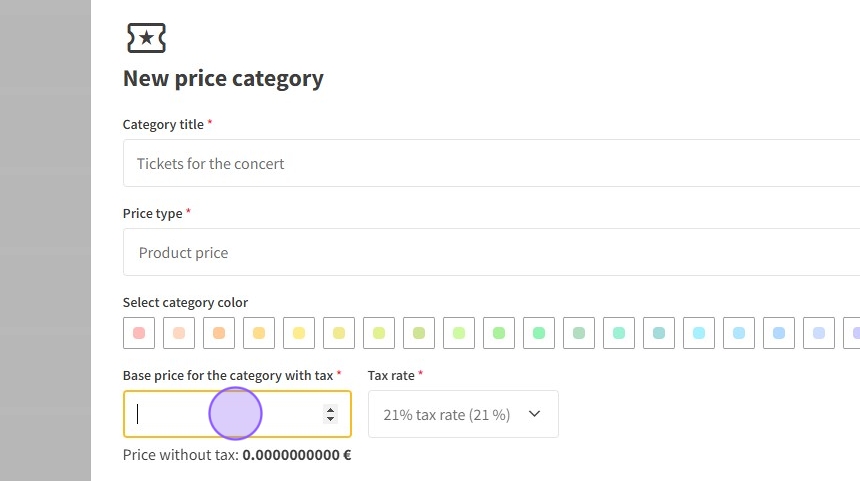
11.Click "New price category"
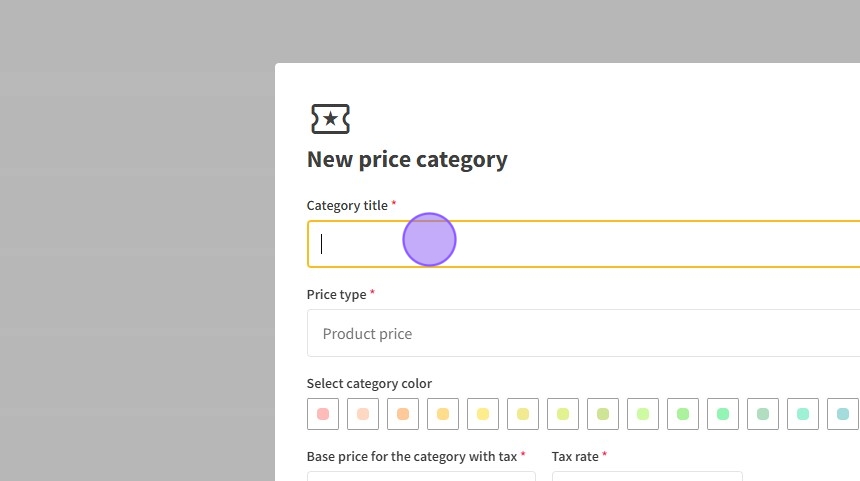
12.Click the "Category title" field.
13.Click the "Base price for the category with tax" field.
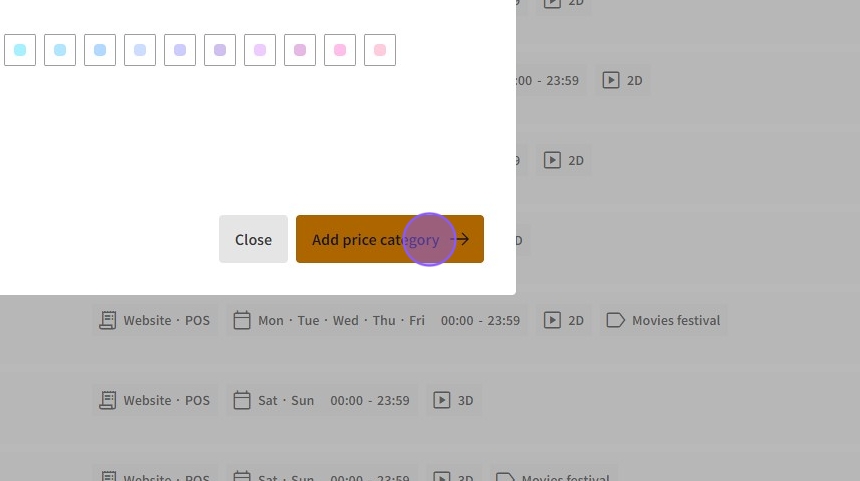
14.Click "Add price category"
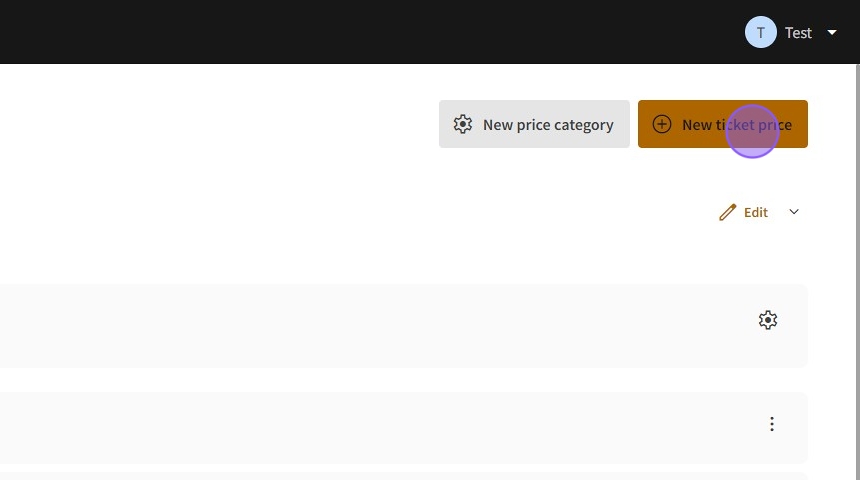
15.Click "New ticket price"
16.Click "Tickets for the concert"
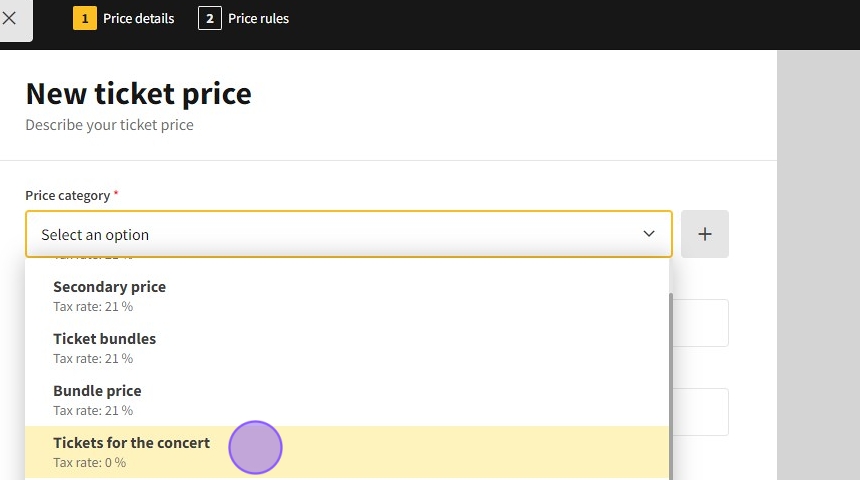
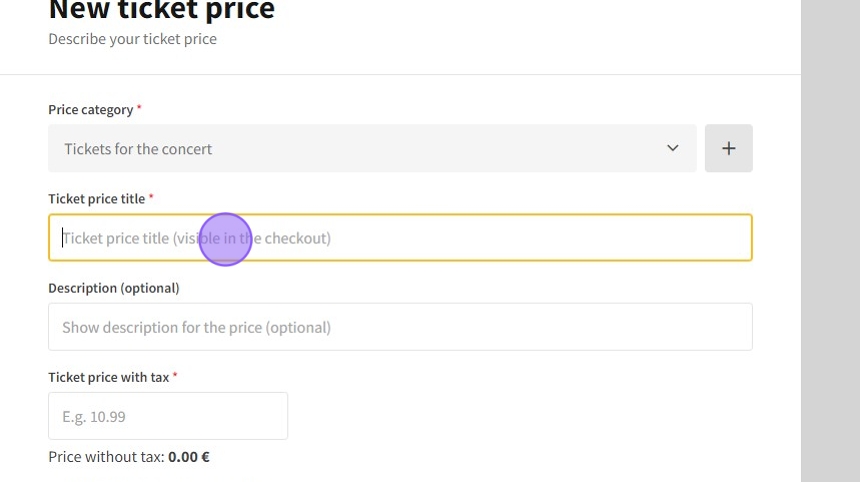
17.Click the "Ticket price title (visible in the checkout)" field.
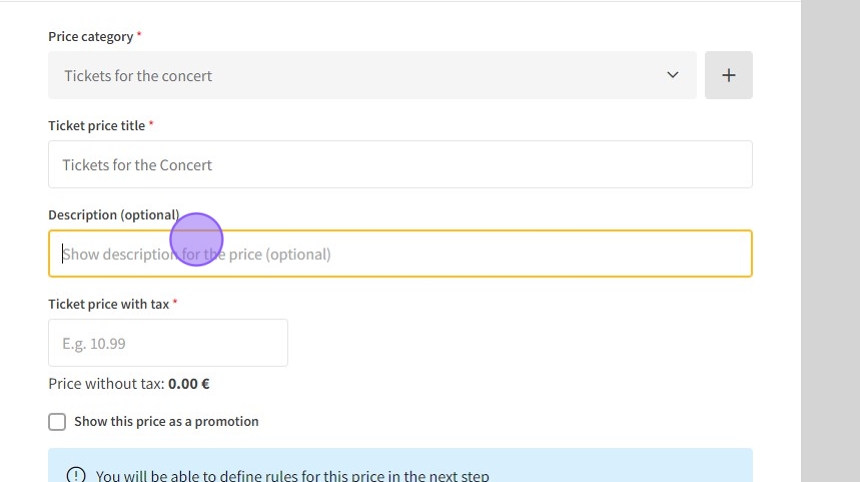
18.Click the "Show description for the price (optional)" field. Write the range of the rows.
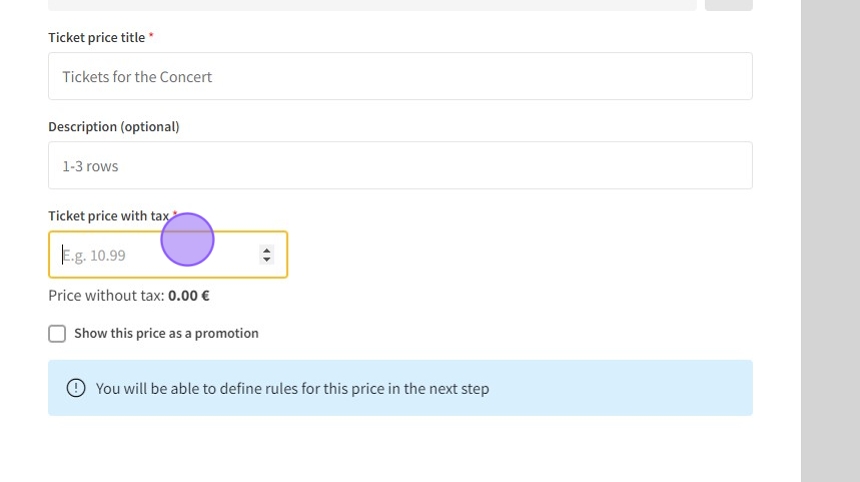
19.Click the "Ticket price with tax" field and enter the sum.
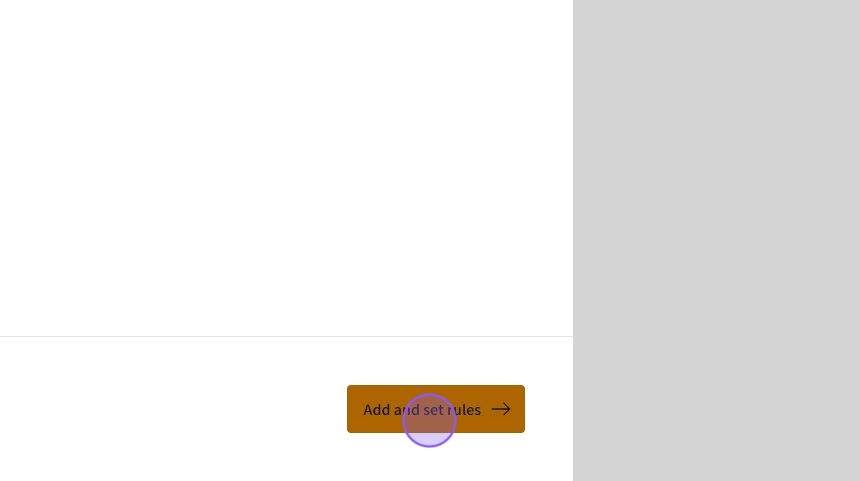
20.Click "Add and set rules
east"
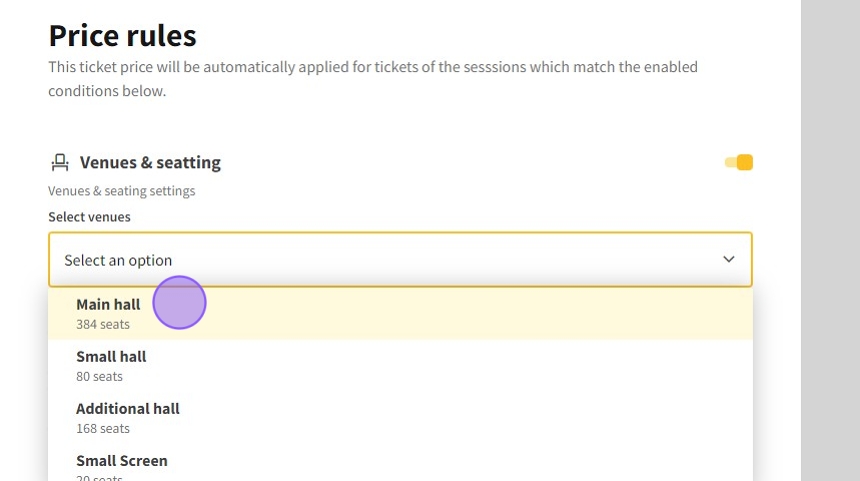
21.Activate Venues & Seating.

22.Select the venues.
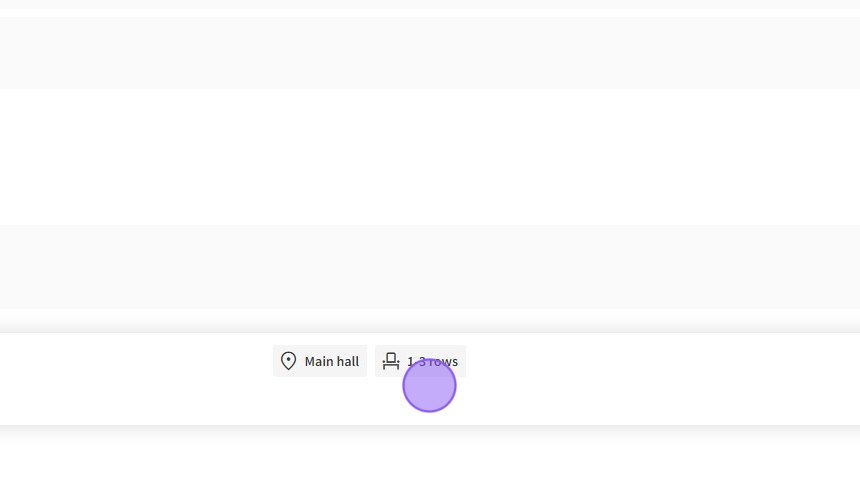
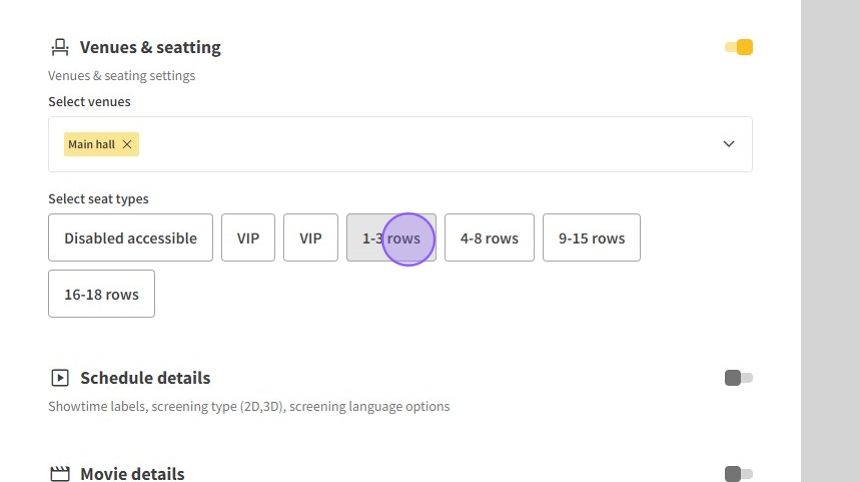
23.Click "1-3 rows"
24.Click "Save & close"
25.The price for the rows is prepared.