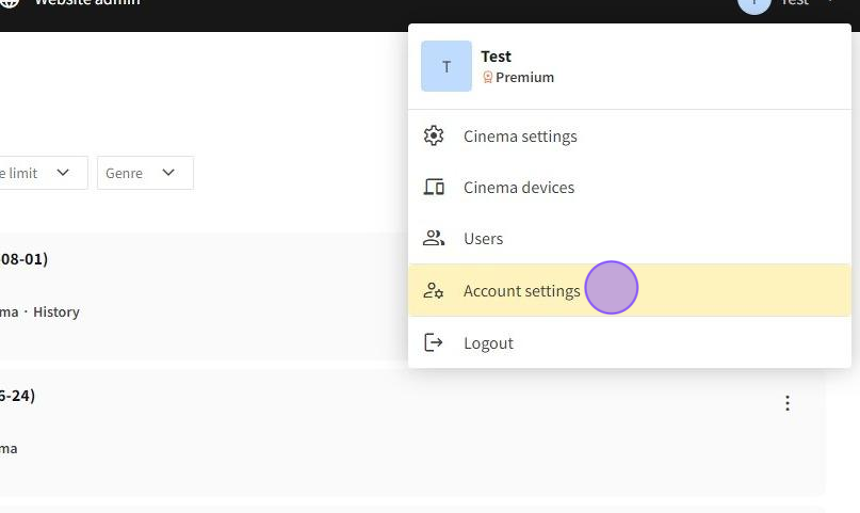
1.Click "Account settings"
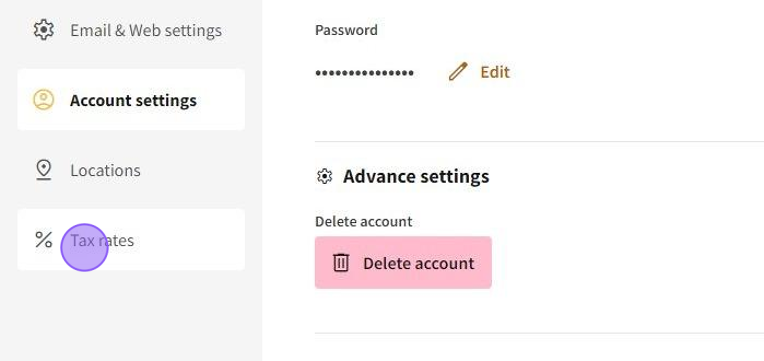
2.Click "Tax rates"
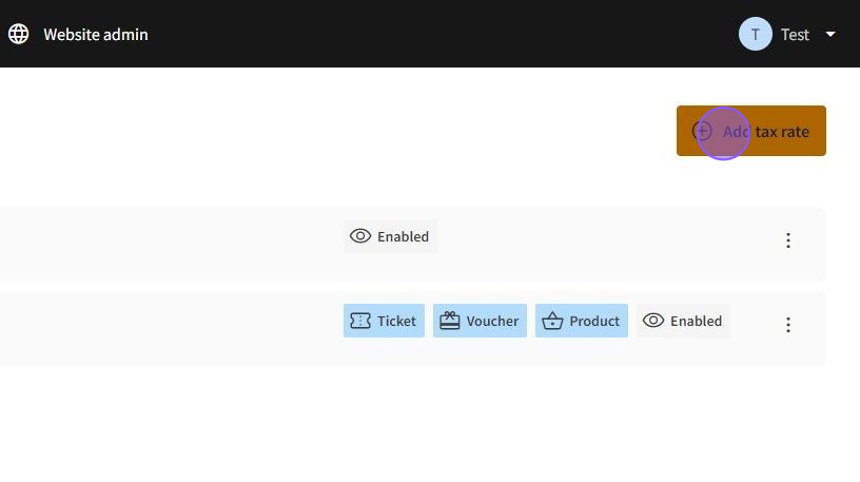
3.Click "Add tax rate"
4.Click this text field and type the name of a tax rate.
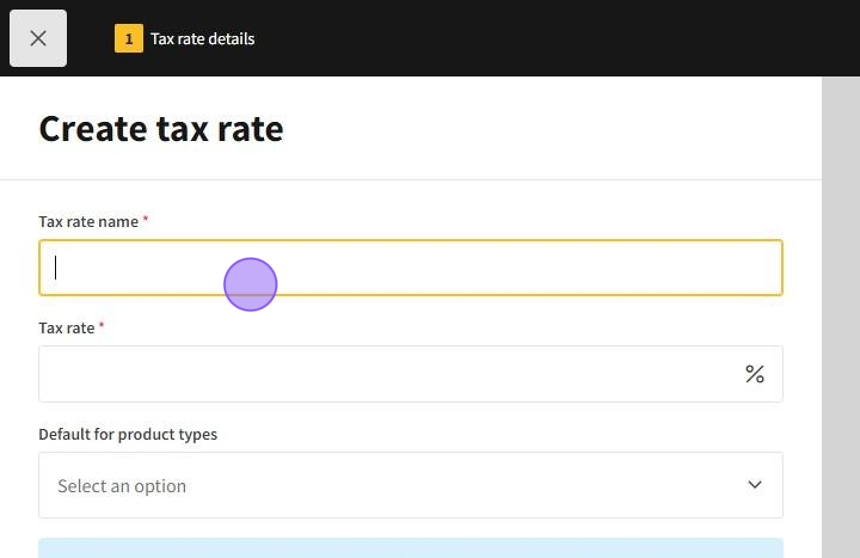
5.Click the "Tax rate" field and type the percentage.
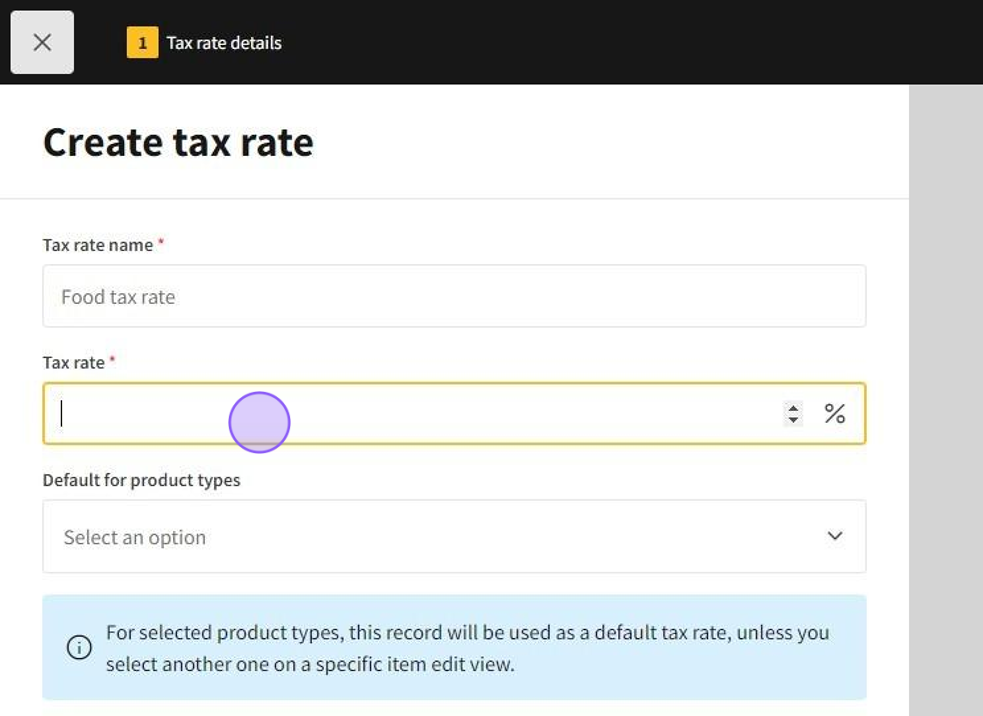
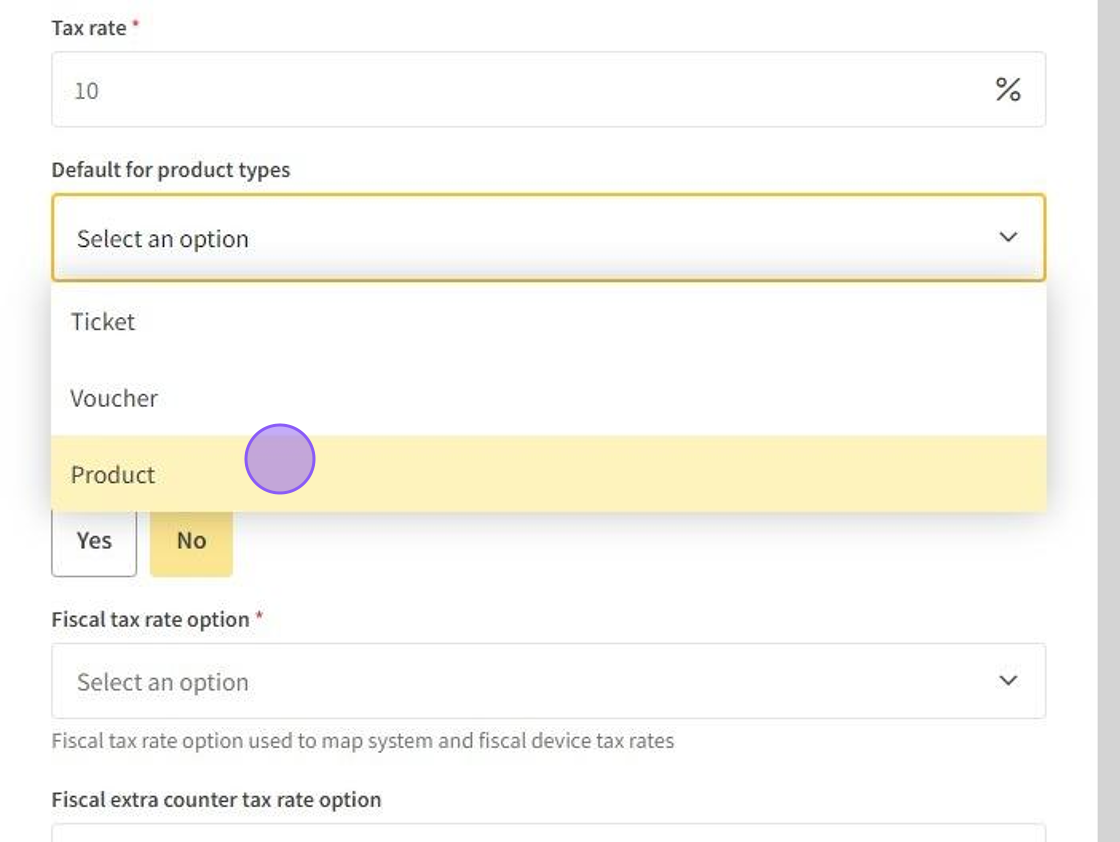
6.Select one or more product types, to which the tax rate would be applied.
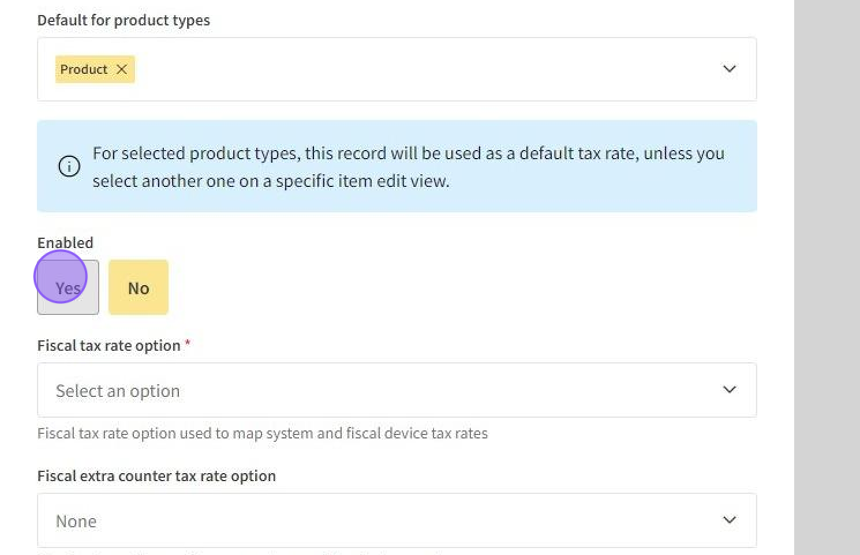
7.Click "Yes" to enable the tax rate.
8.Map fiscal device tax rates with the system's tax rate.
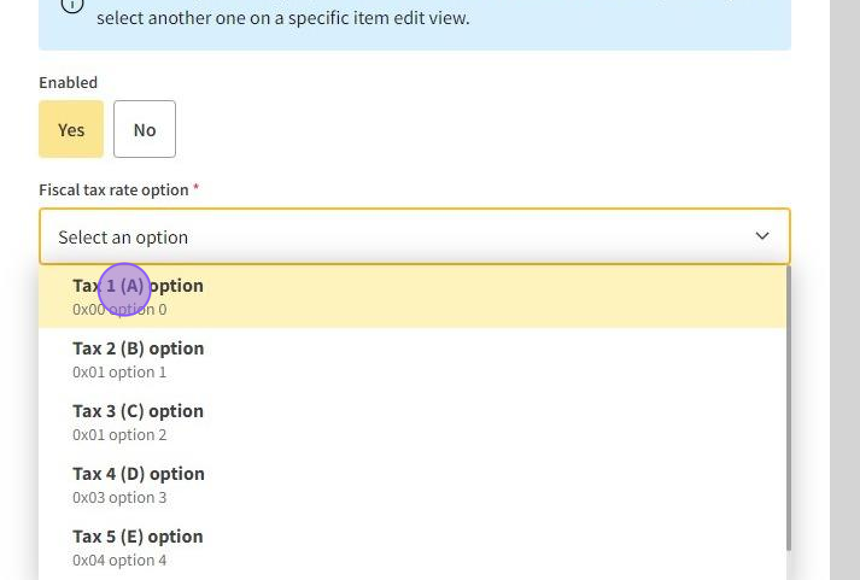
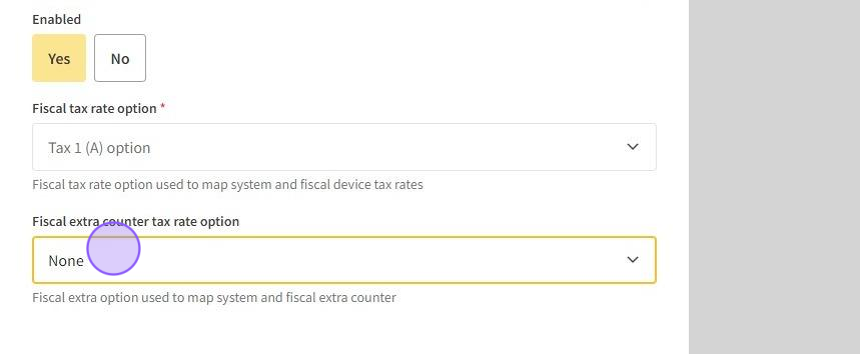
9.Choose fiscal extra counter tax rate if there's so, if none - leave it none.
10.Click "Save & close"
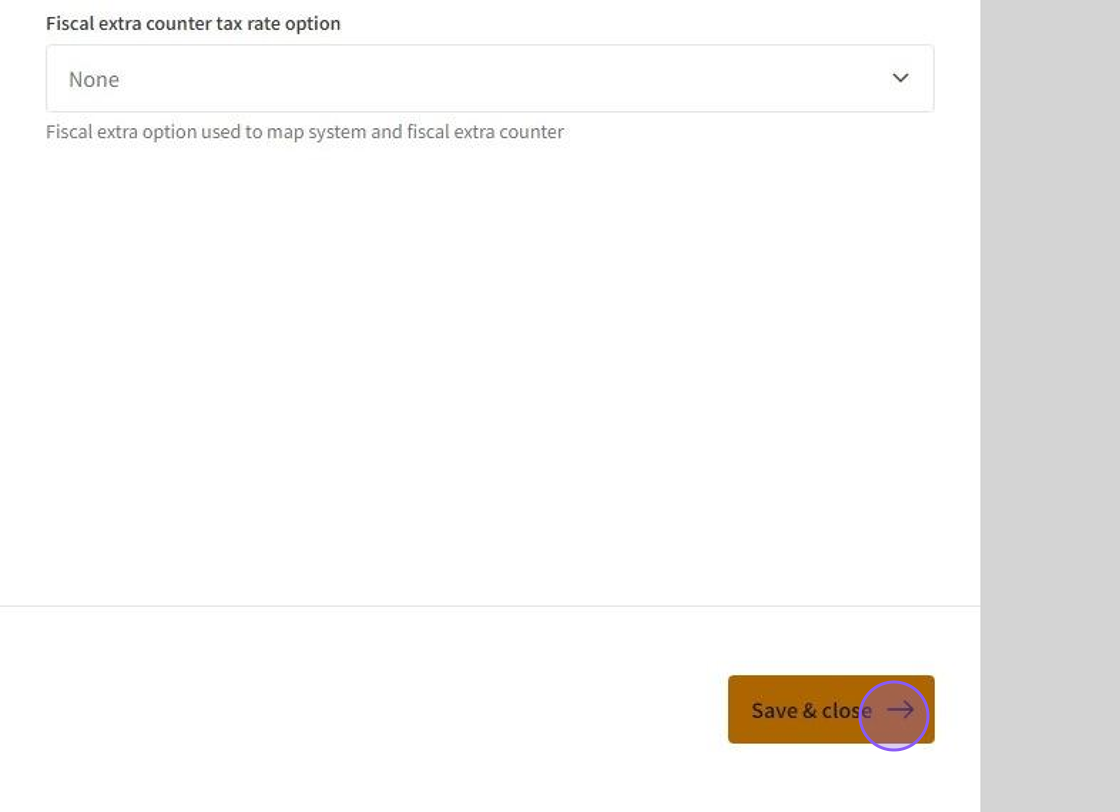
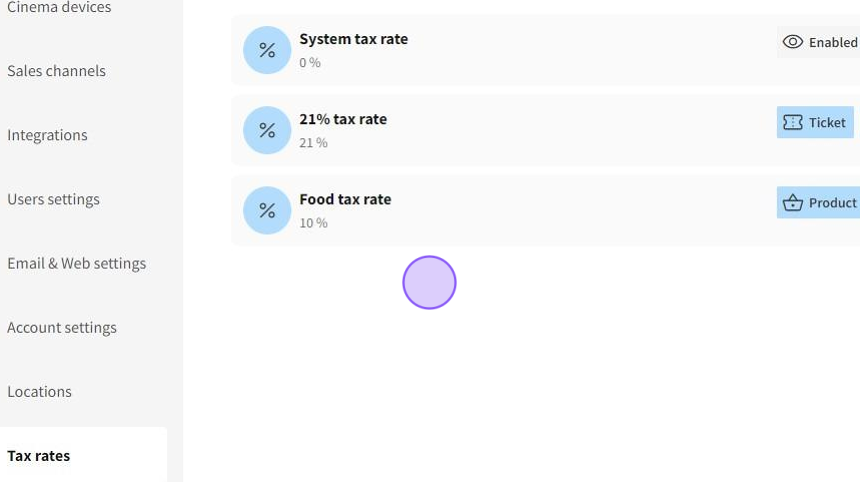
11.Your created tax rate will appear among others.