How to add a country?
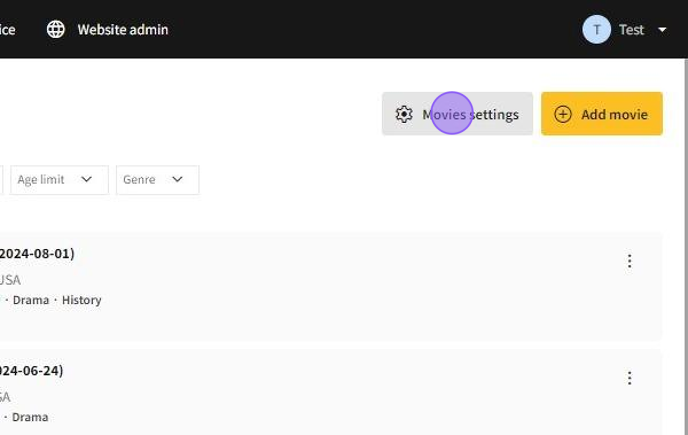
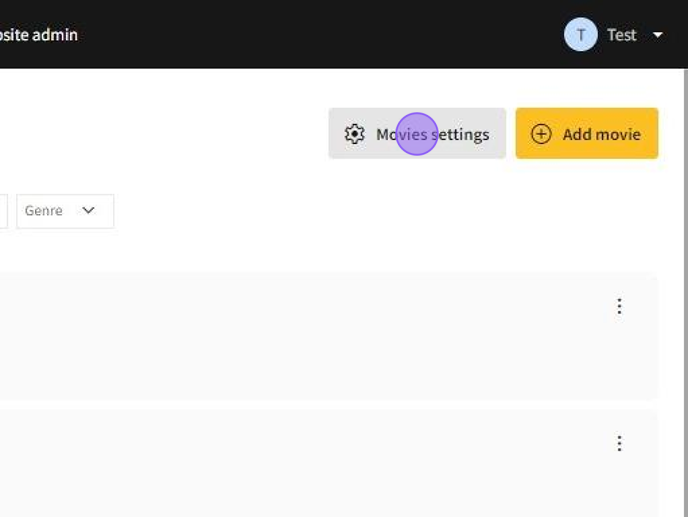
1.Go to My cinema → Movies → Movie settings.
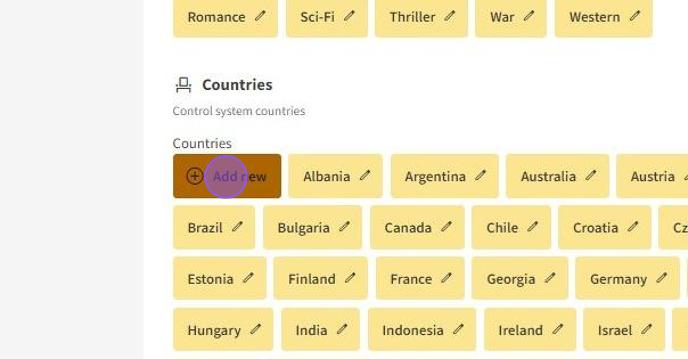
2.In the Countries section click Add new button.
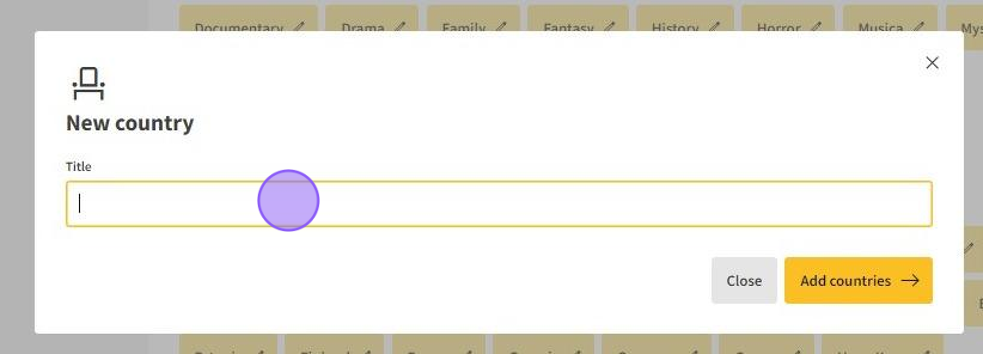
3.In the text field type country name. After you typed the name of a country press on Add countries button.
4.Then the country will get added.
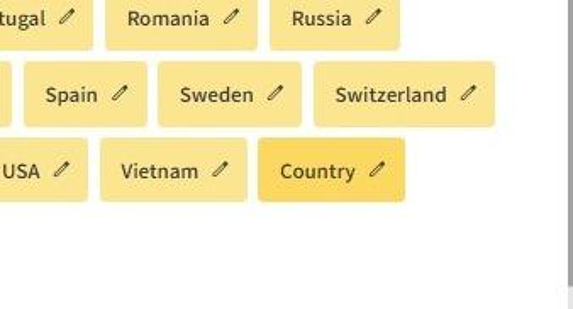
How to edit a country name?
1.You can edit country name by going to My cinema → Movies → Movie settings.
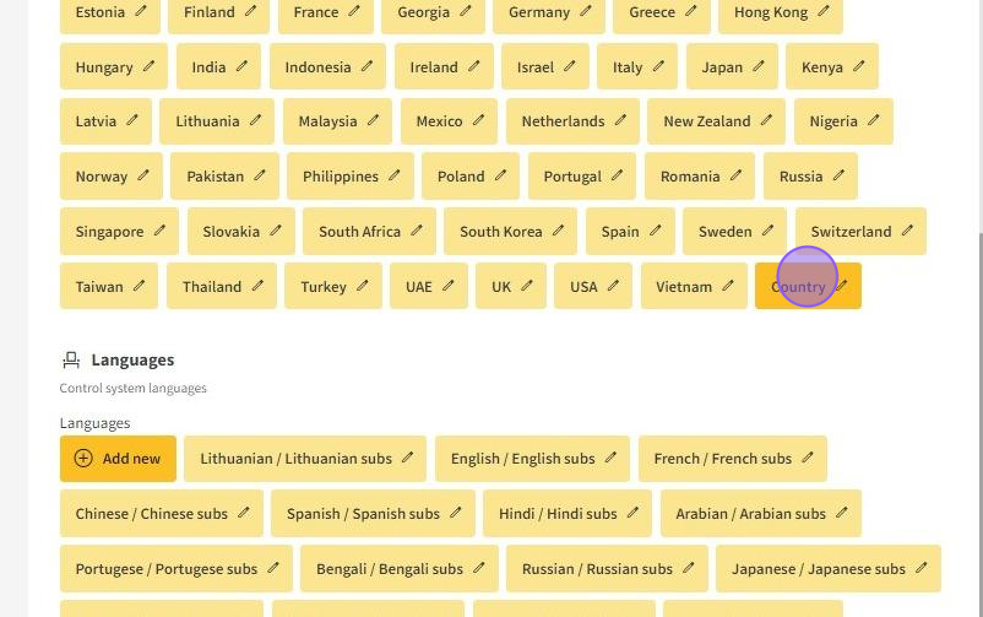
2.Click on added country.
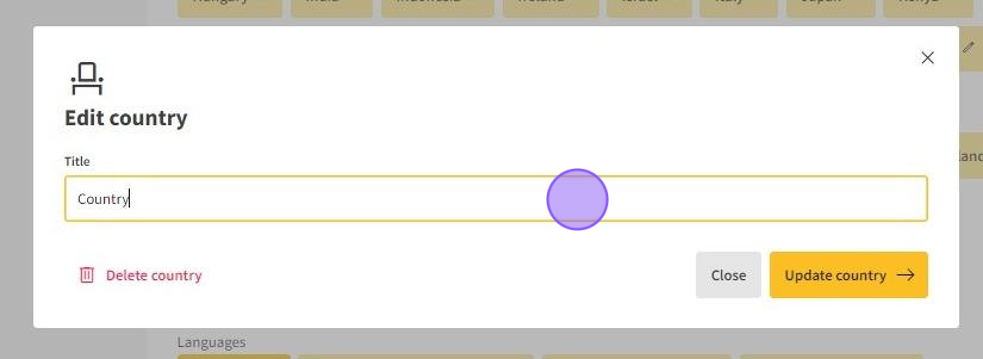
3.In the text field edit the country name. After you completed editing the name press on the Update country button.
4.The country's name will get changed.
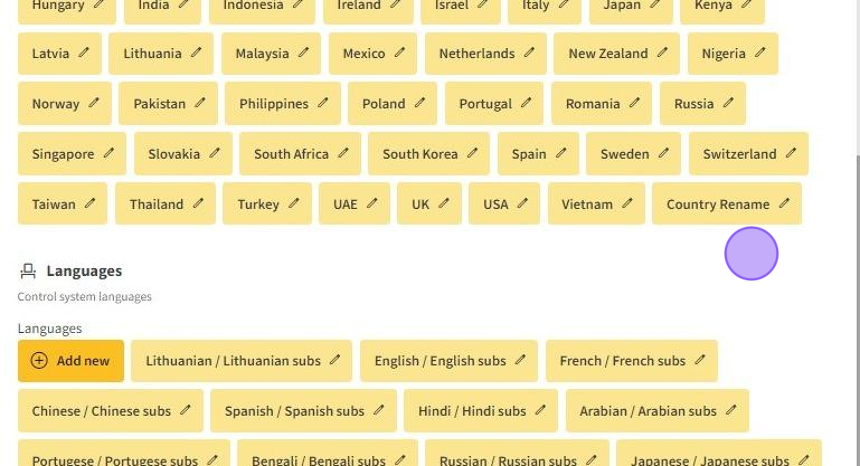
How to delete a country?
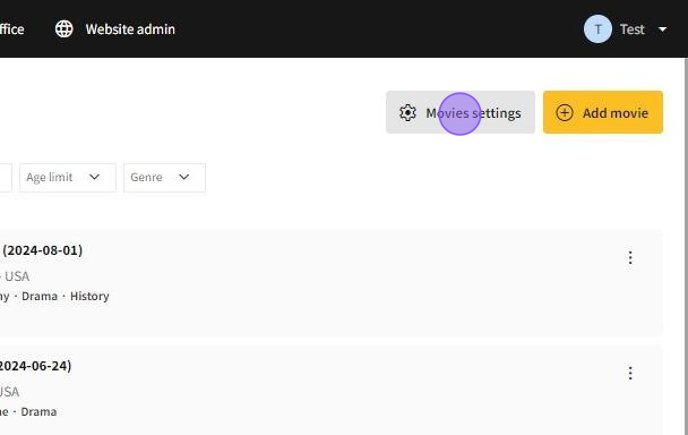
1.You can delete country by going to My cinema → Movies → Movie settings.
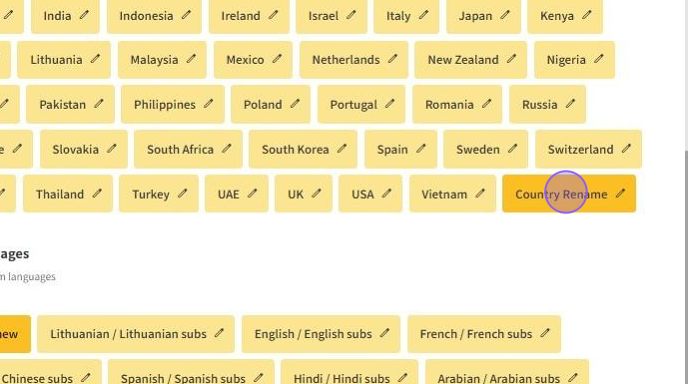
2.Click on added country.
3.Click on Delete country button.
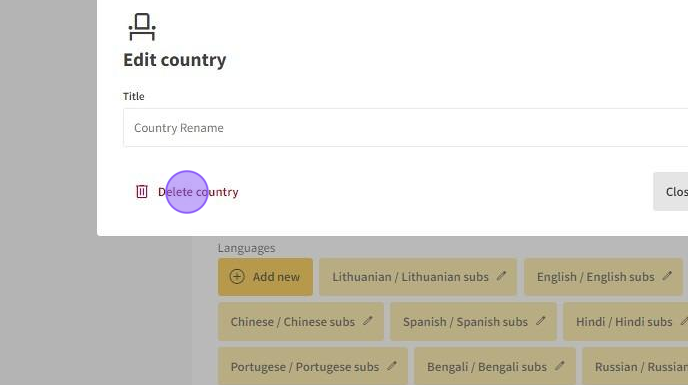
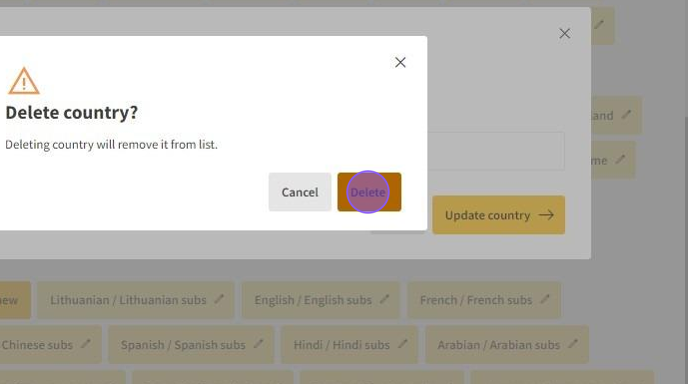
4.Click on Delete button by confirming again you want to delete a country.