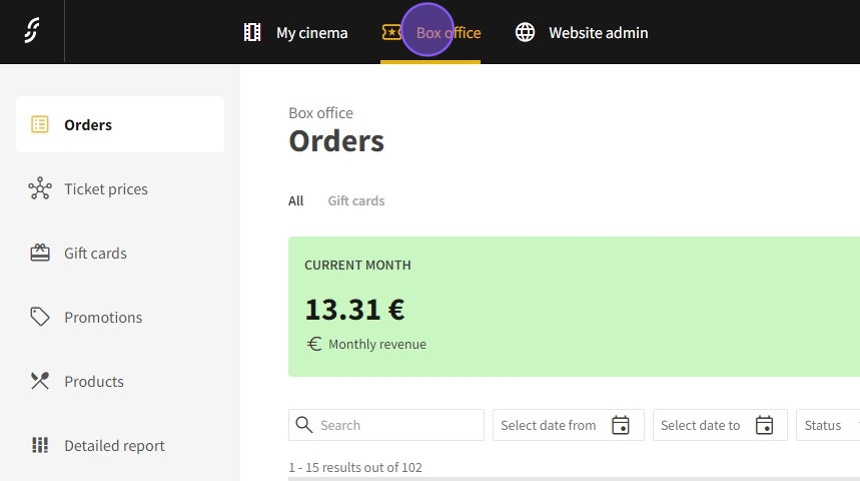
1.Click "Box office"
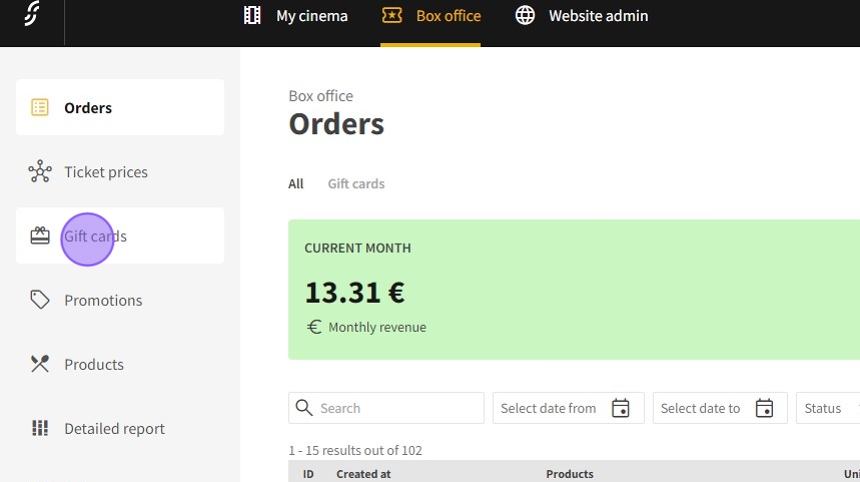
2.Click "Gift cards"
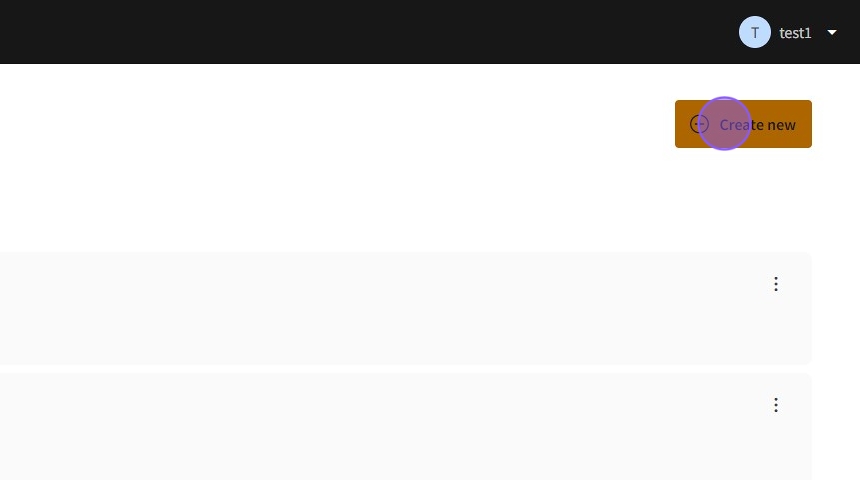
3.Click "Create new"
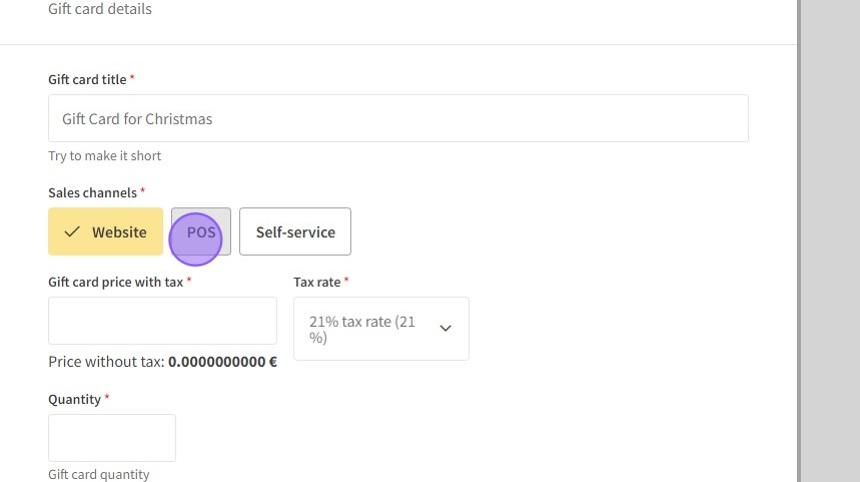
4.Type for example "Gift Card for Christmas"
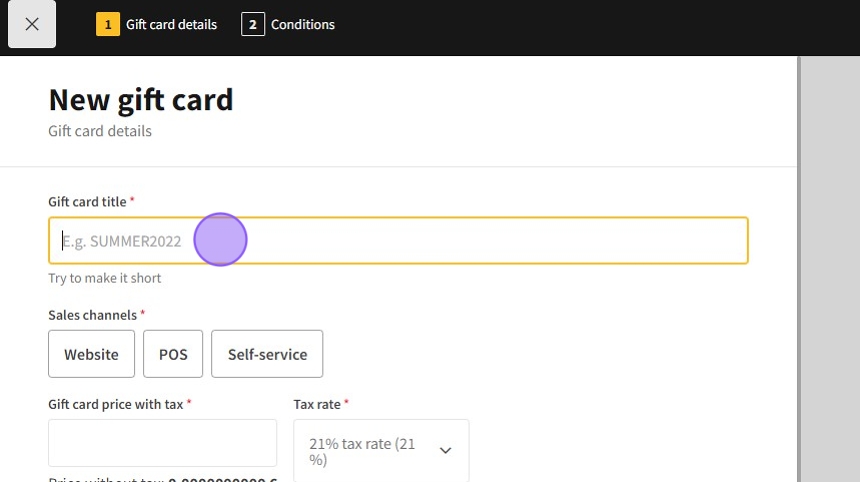
5.Choose channels for sales
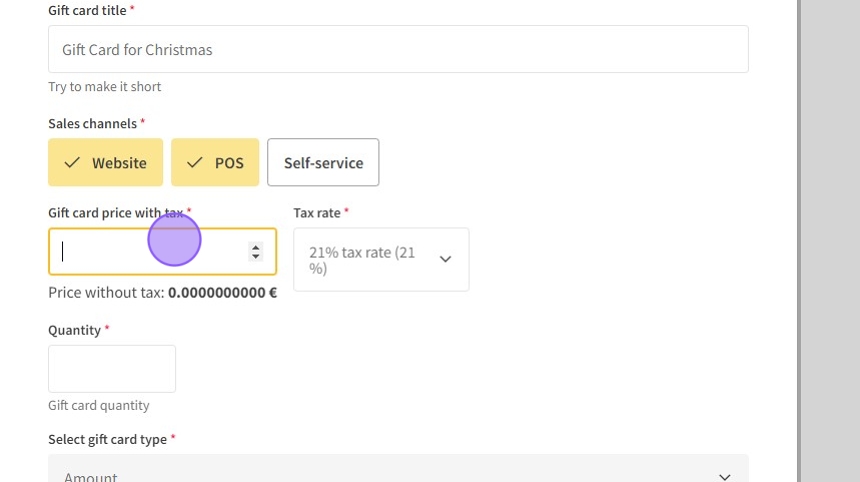
6.Set the value of the coupon.
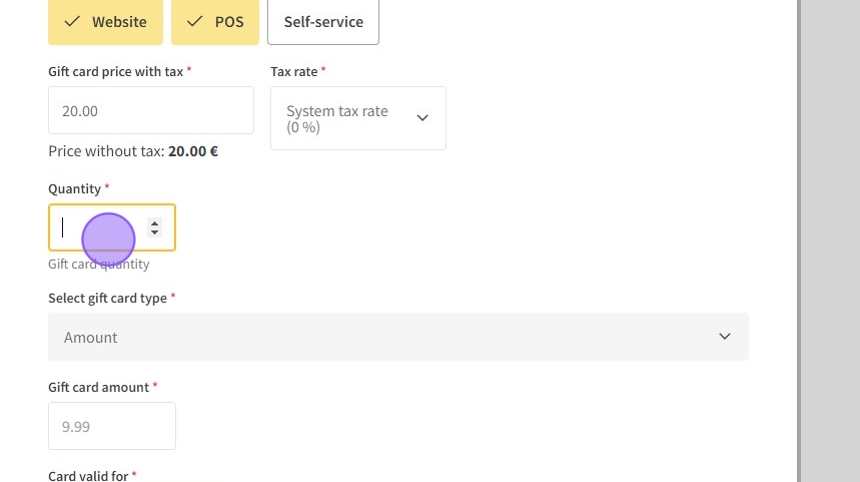
7.Set the number of coupons you would like to sell.
8.The coupon can be either for a sum of money or for quantity of tickets. Please note that the overpay from the coupon cannot be refunded. For example, if ticket price is 8 euros and coupon is worth of 10 euros, then 2 euros cannot be refunded.
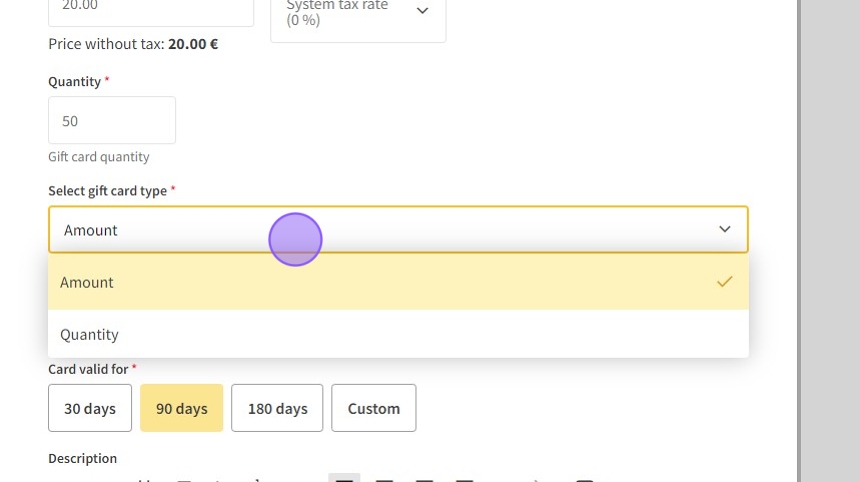
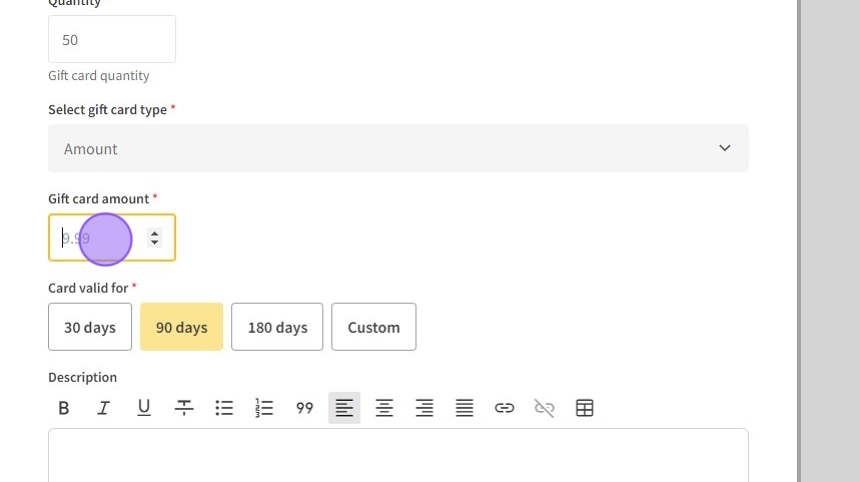
9.Click the "Gift card amount" field and fill with the sum.
10.Click "Custom"
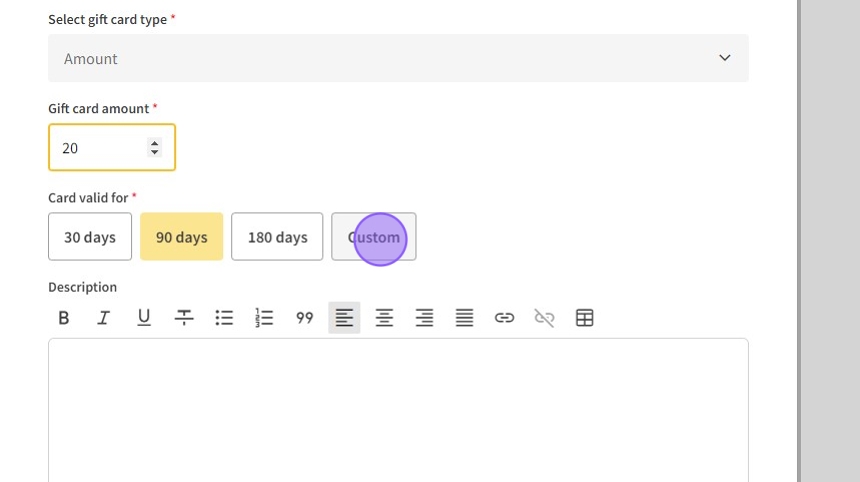
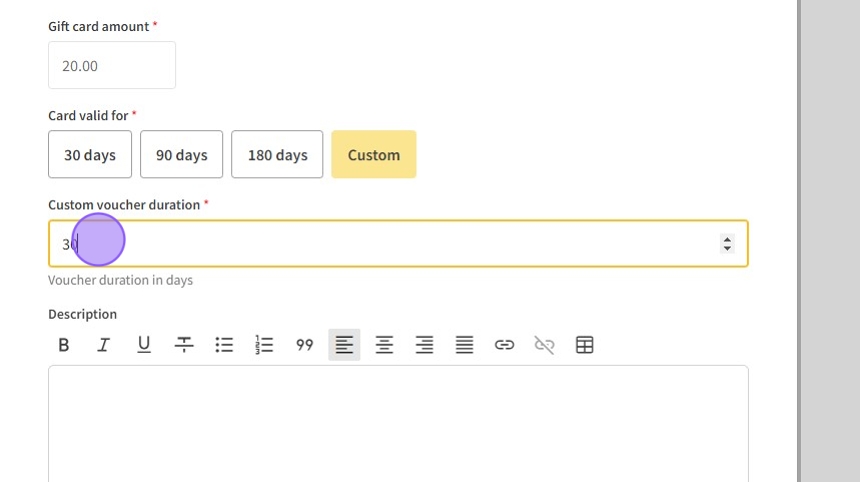
11.Coupon validation can be set in the custom mode.
12.You can add short description of the gift coupon.
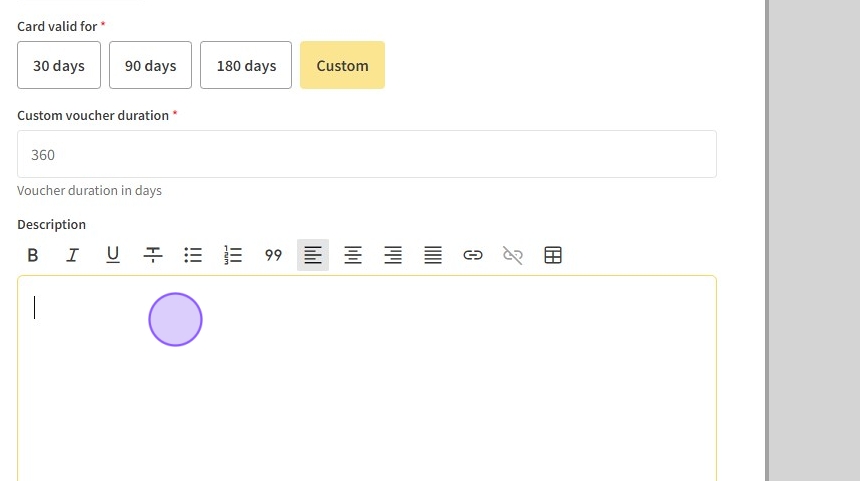
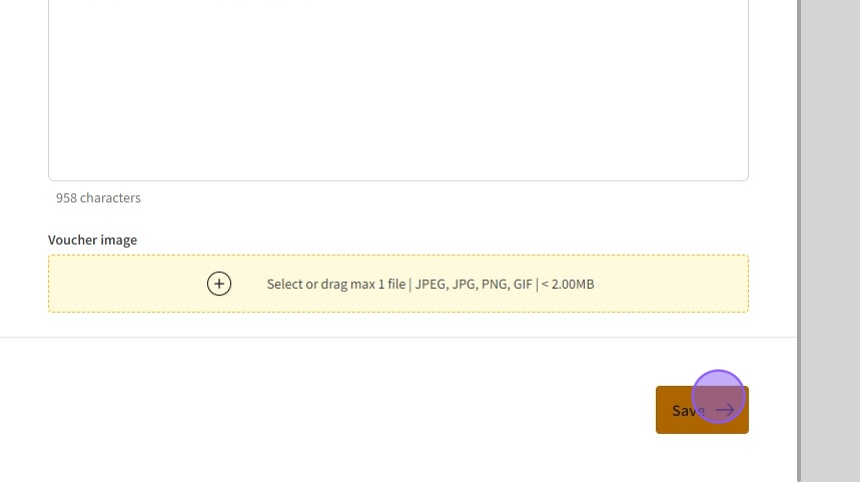
13.An image can be added and click "Save"
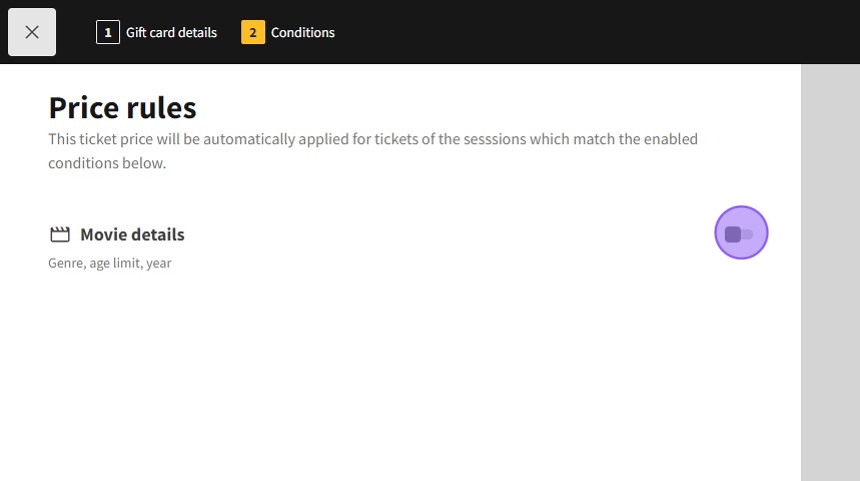
14.If you wish to use coupon only for particular type of movies, on this stage you can set it. If for all movies, leave it inactive.
15.Click "Save & close"