

The Provider voucher button becomes accessible only when there is a minimum of one gift card provider. Click here for instructions on how to add a gift card provider.
1.To apply a provider voucher, please ensure you have an order to which the voucher can be applied.
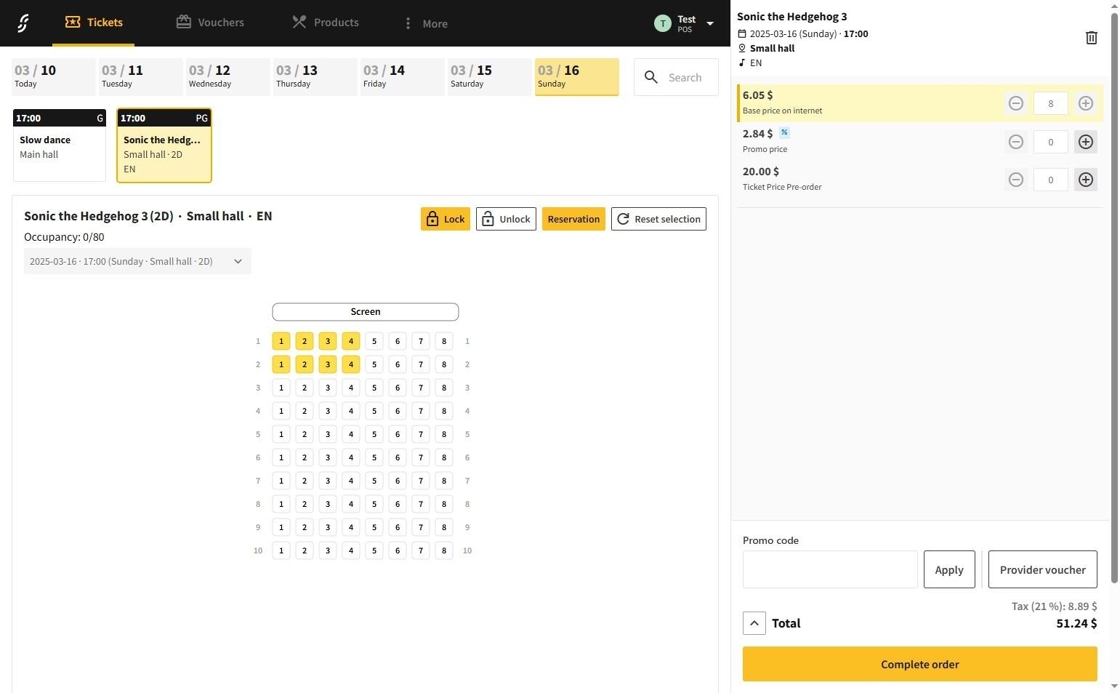
2.Click on the Provider Voucher button.
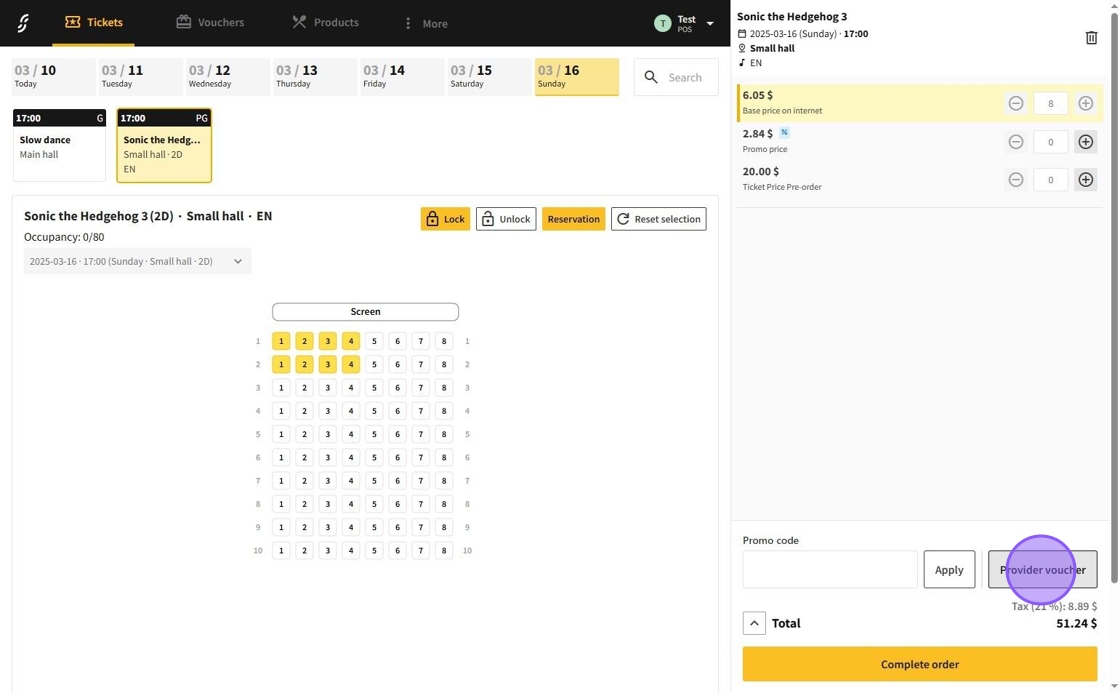
3.The provider voucher application menu will then appear, allowing you to input the following information:
- Voucher provider: Selecting the voucher provider
- Code (reference): The voucher code that can be verified through the provider
- Amount: Voucher amount to be set from the order as discount
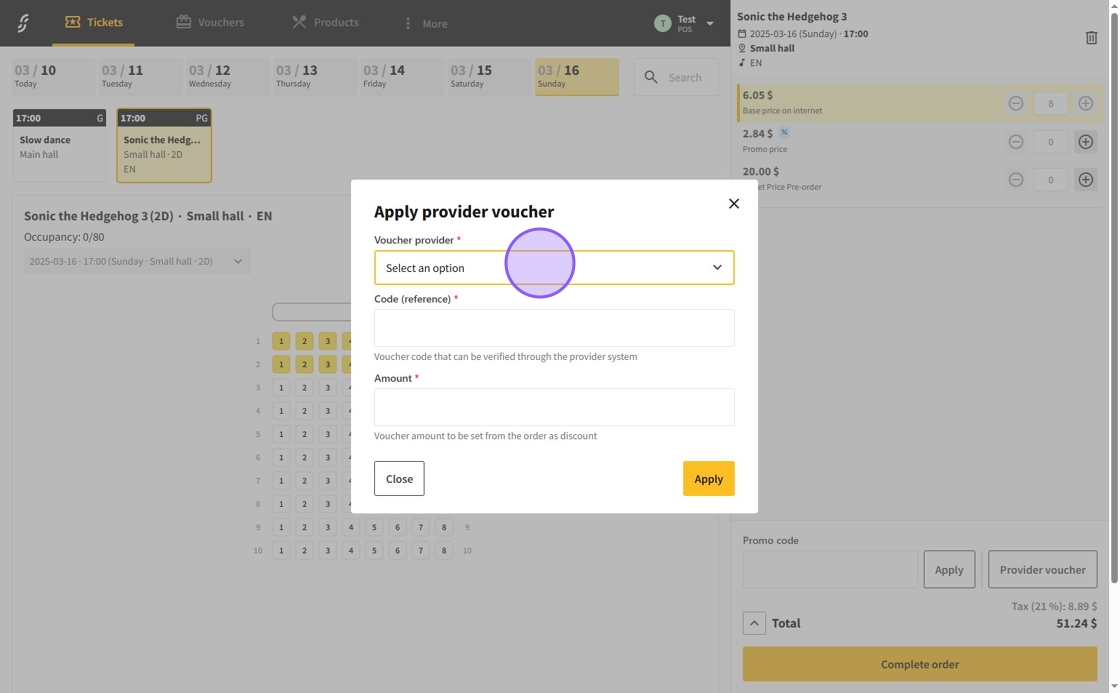
4.After filling up the information click on the Apply button.
After filling in the form, a voucher will be generated which will be automatically applied to the cart.
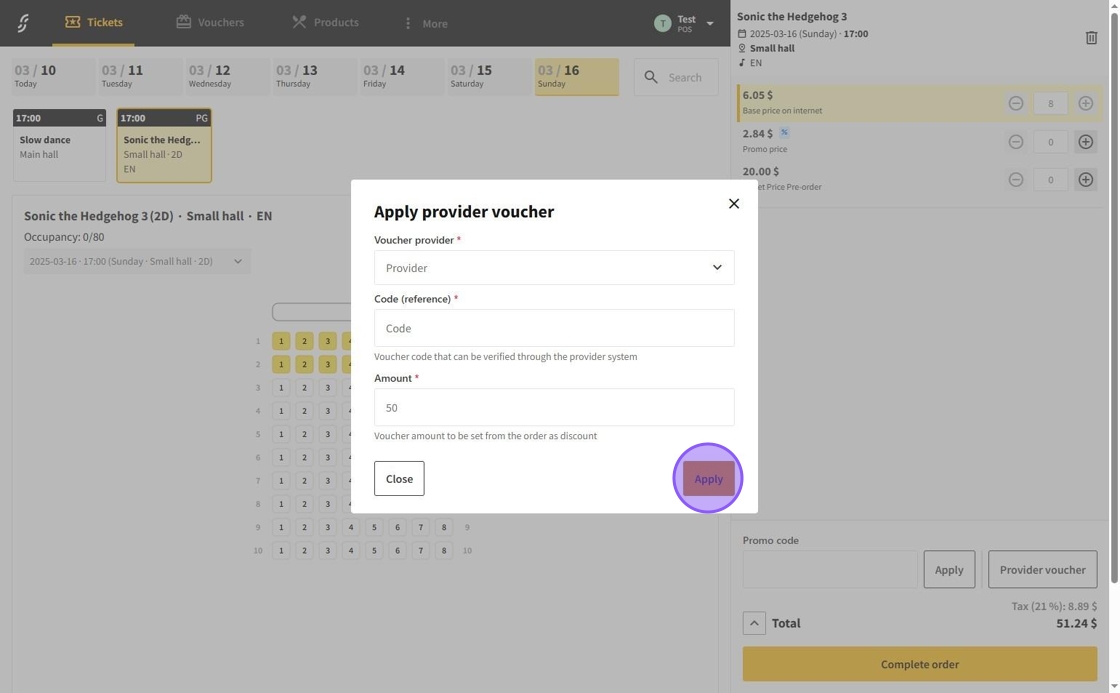
5.The provider voucher will then be successfully applied.
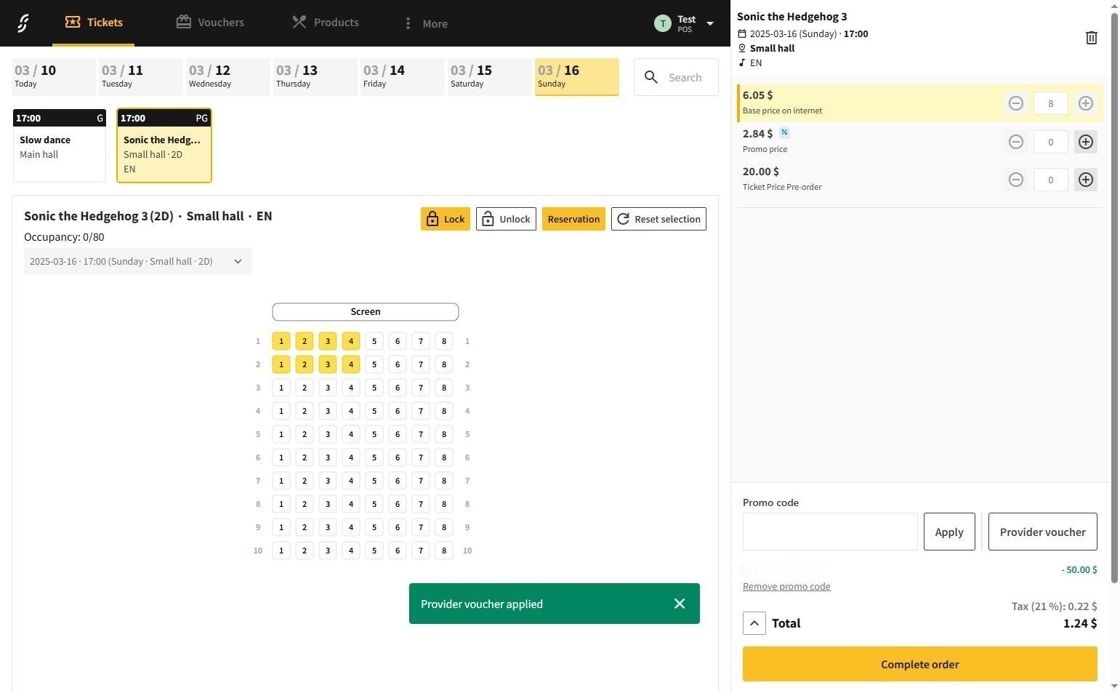
When changing the value of the cart, the voucher will be recalculated, but the maximum amount will be the amount specified in the amount field.