

1.Prepare the current order.
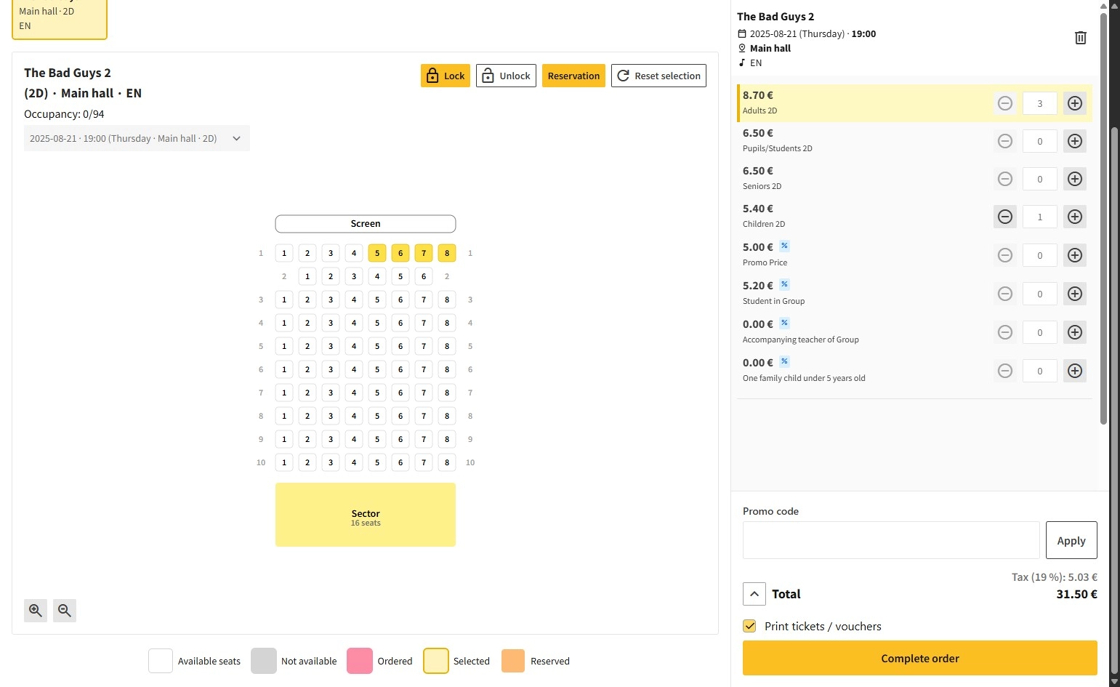
2.When the order is ready, click on the Complete order button.

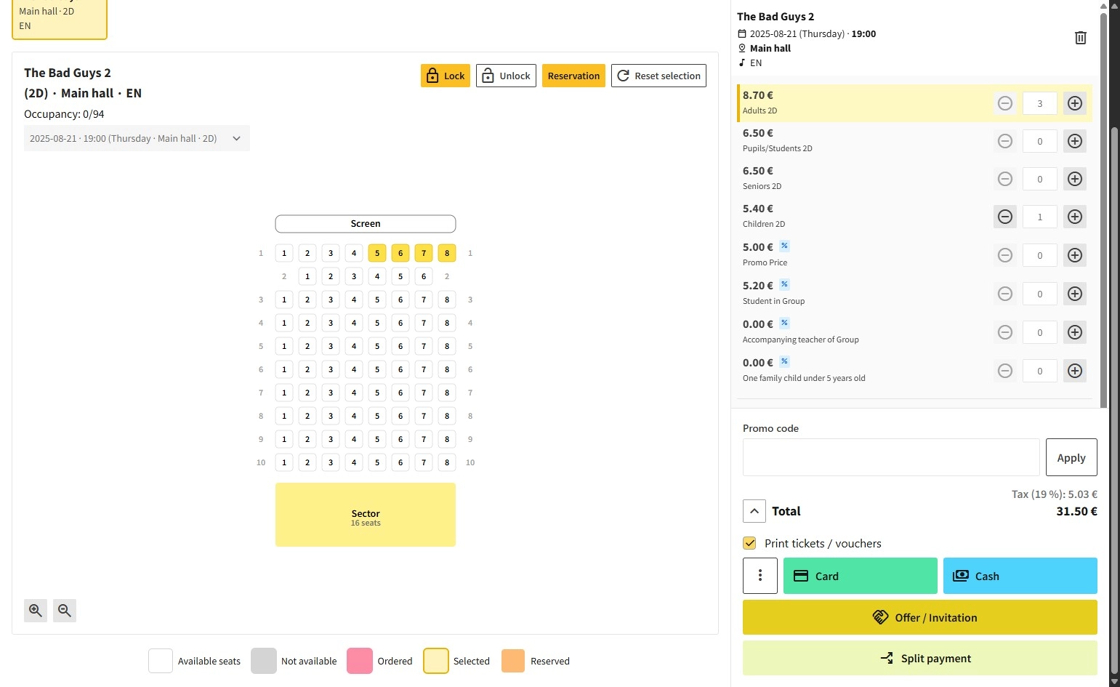
3.Choose a payment method:
Card: Simply confirm the payment.
Cash: Enter the amount of money the customer paid; the system will calculate the change.
Split payment: Enter the amount paid in cash; the system will calculate the remaining balance to be paid by card.
Offer / Invitation: Refer to the specific instructions covered separately here.
4.After completing the payment, the system will display Order successfully completed and print out the receipts.
