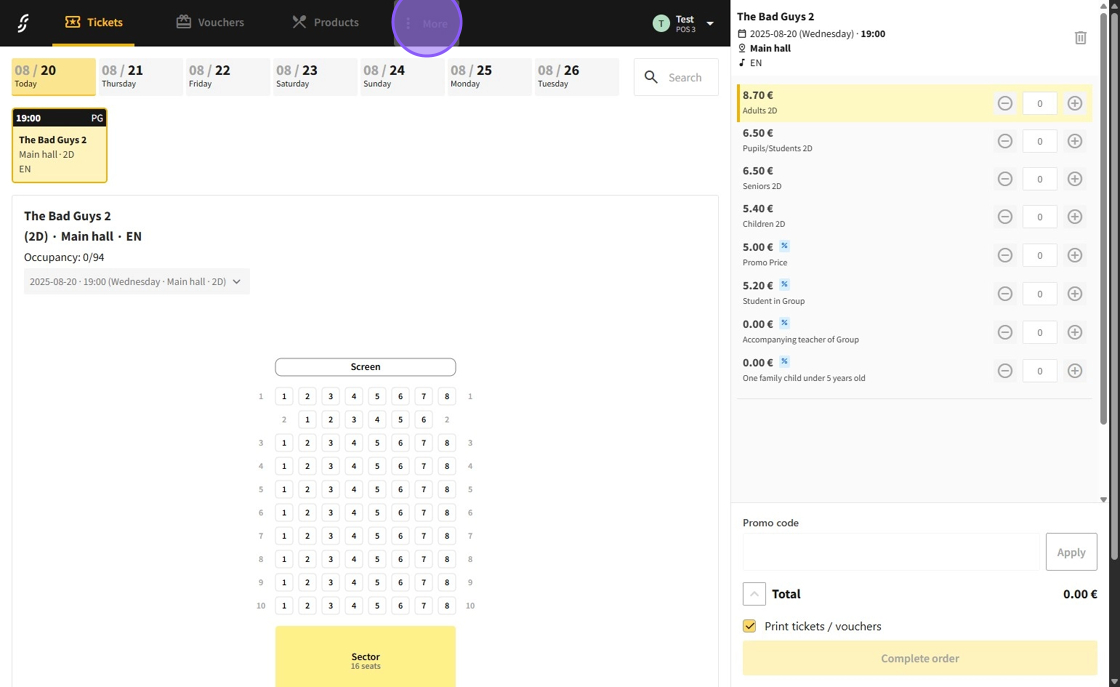
1.Go to the "More" section.
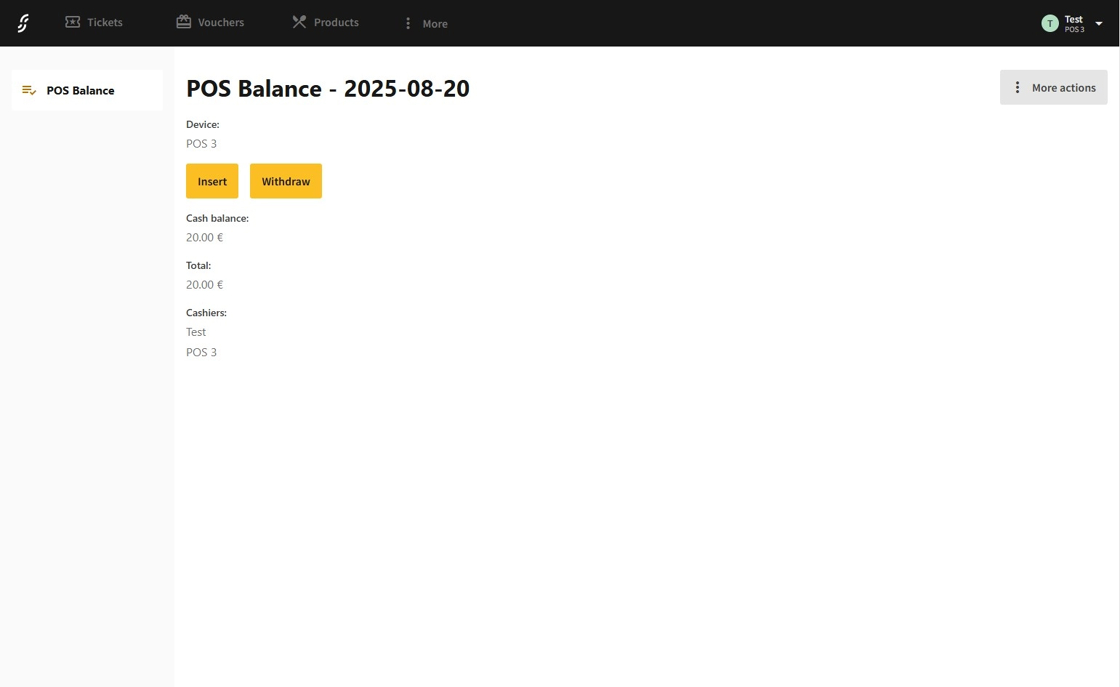
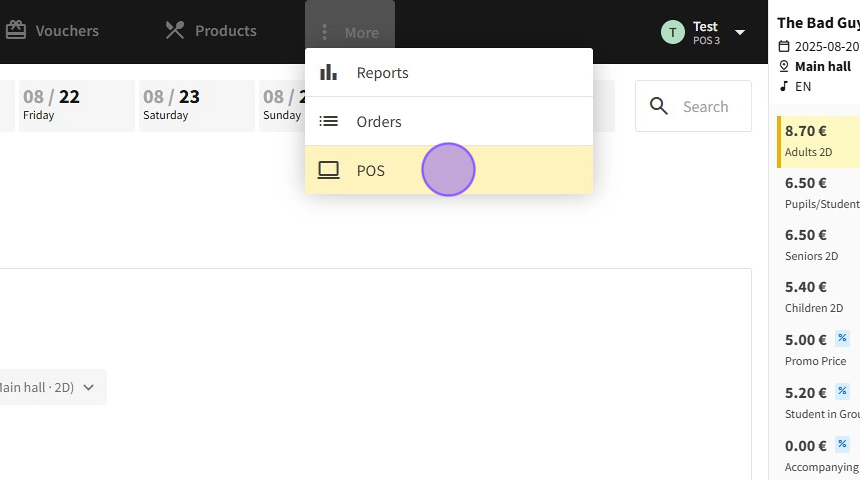
2.Next, select the "POS" page.
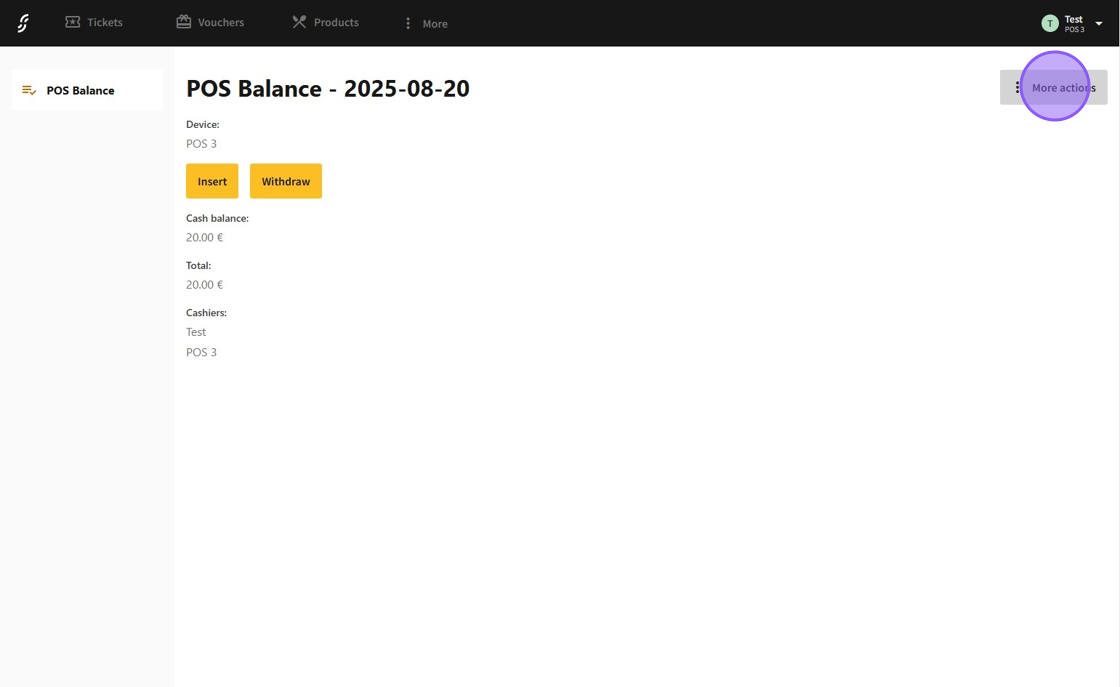
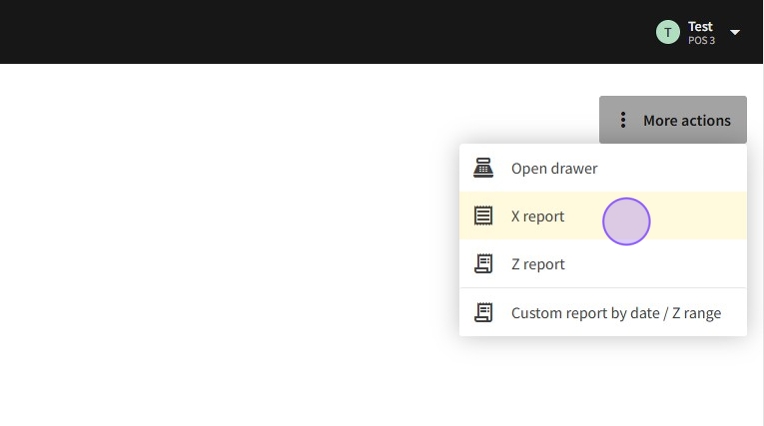
3.Click the "More actions" button to open the report options.
4.Choose "X report" to begin generating the report.
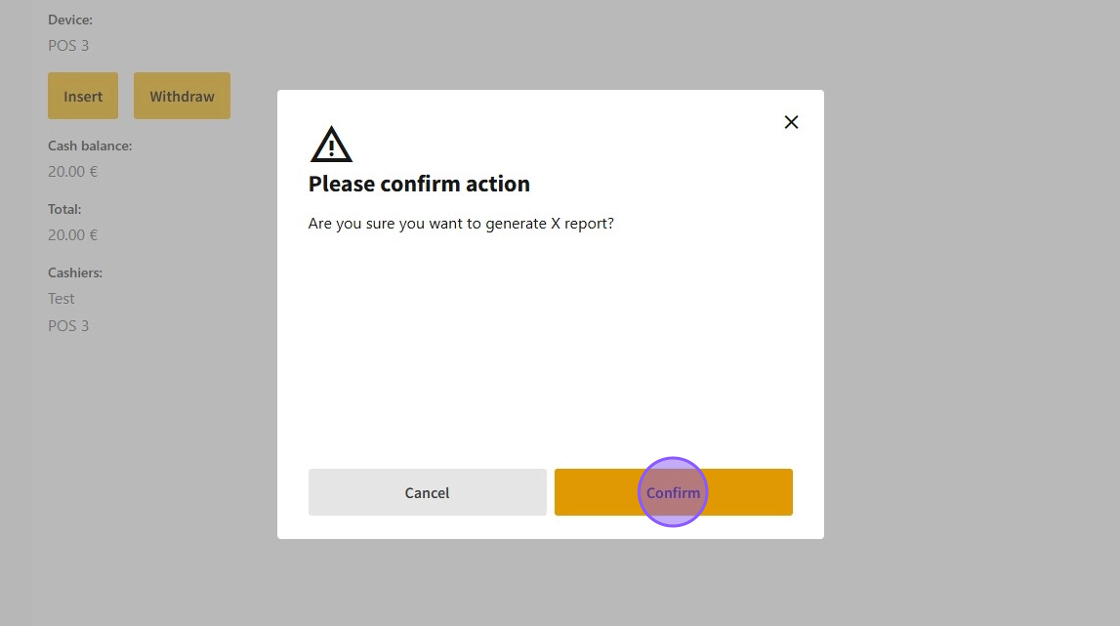
5.Confirm your choice by clicking "Confirm."
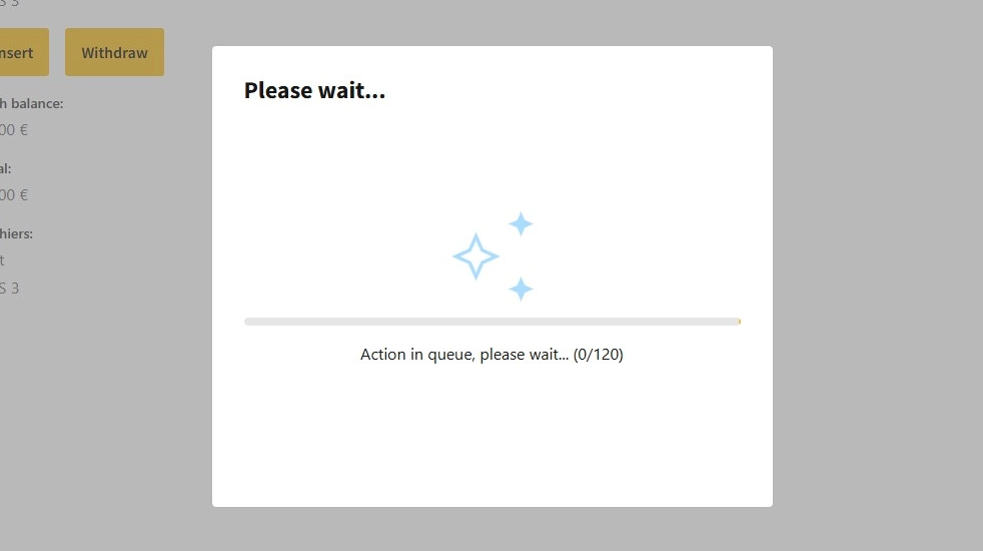
6.Wait a moment while the report is being generated.
7.Once the X report is successfully generated, a receipt will be printed.