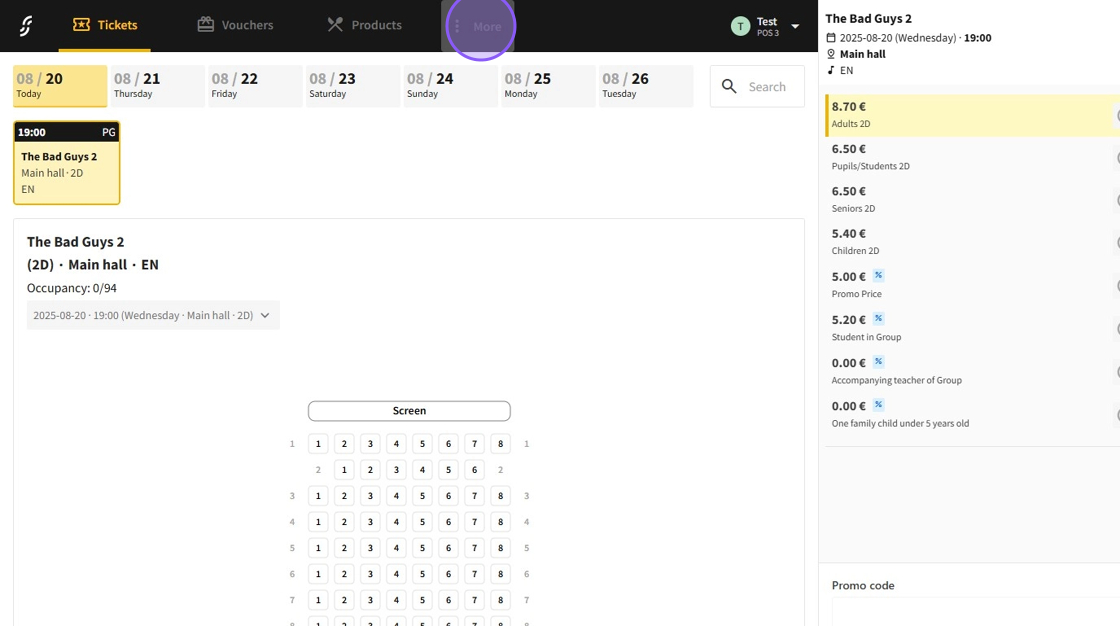
1.Select the "More" section.
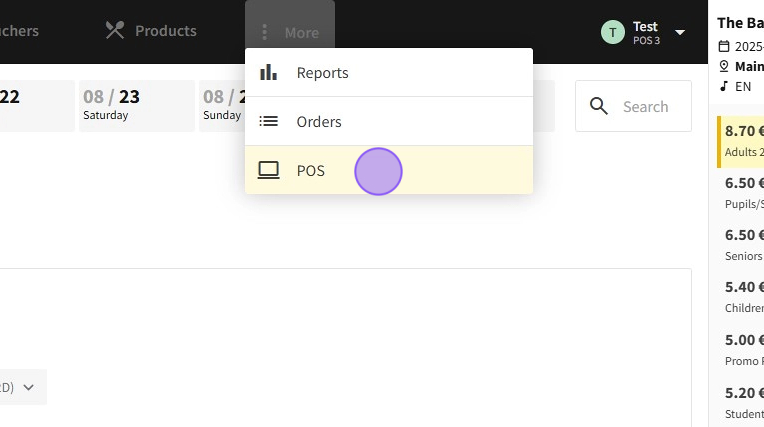
2.Then select the "POS" page.
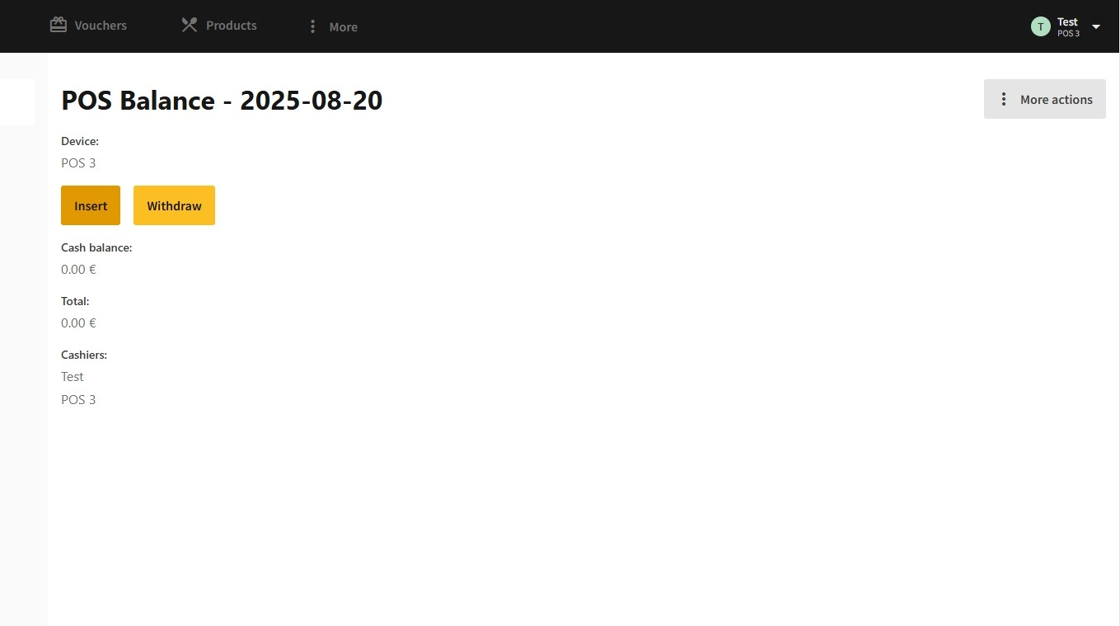
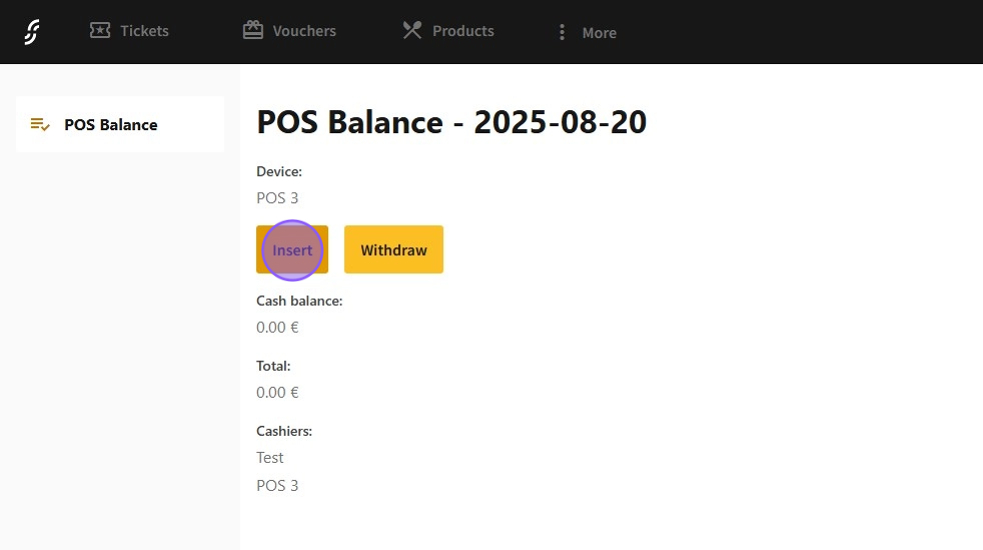
3.On this page, you will be able to see the current balance of the POS.
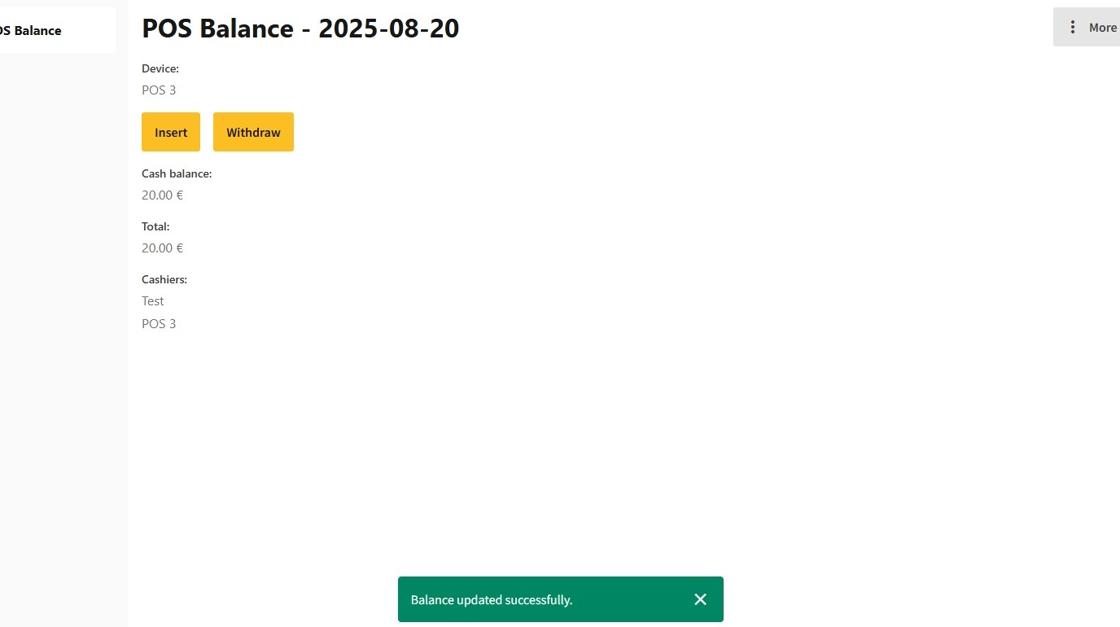
1.To add money to the POS, click on the "Insert" button.
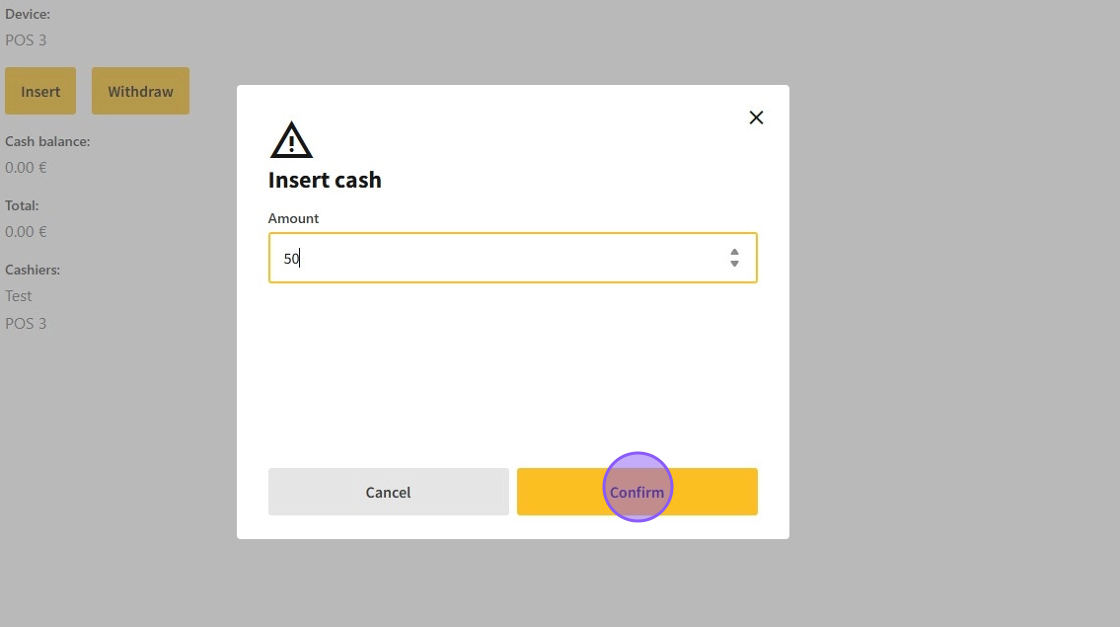
2.Input the amount of money into the "Amount" field and click on "Confirm."
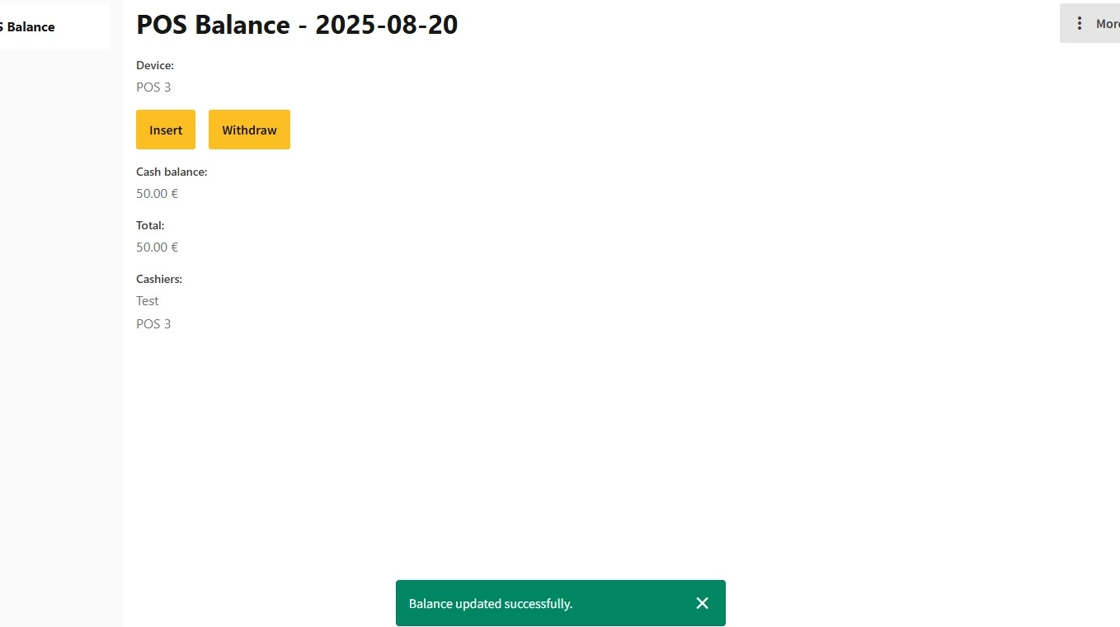
3.Now you can insert the money into the register physically.
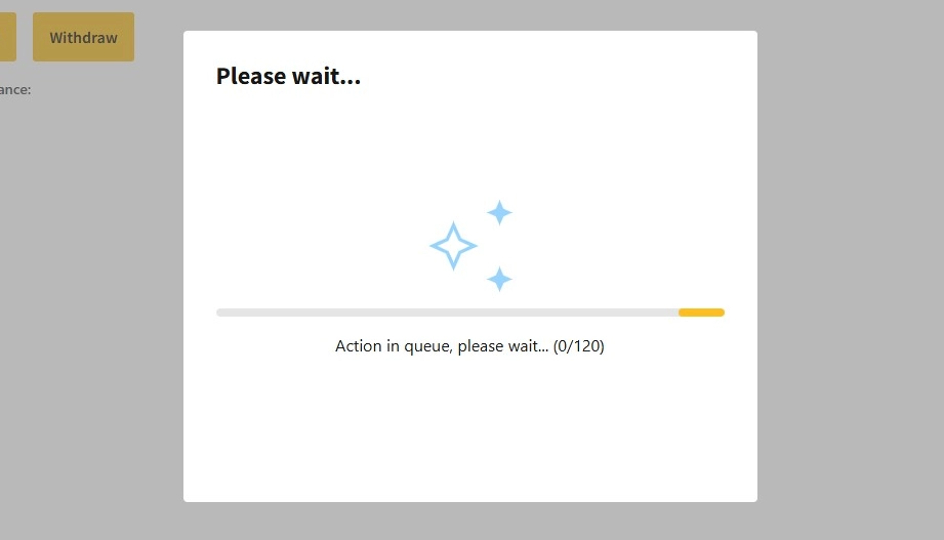
4.After successfully updating the balance, a receipt will be printed out.
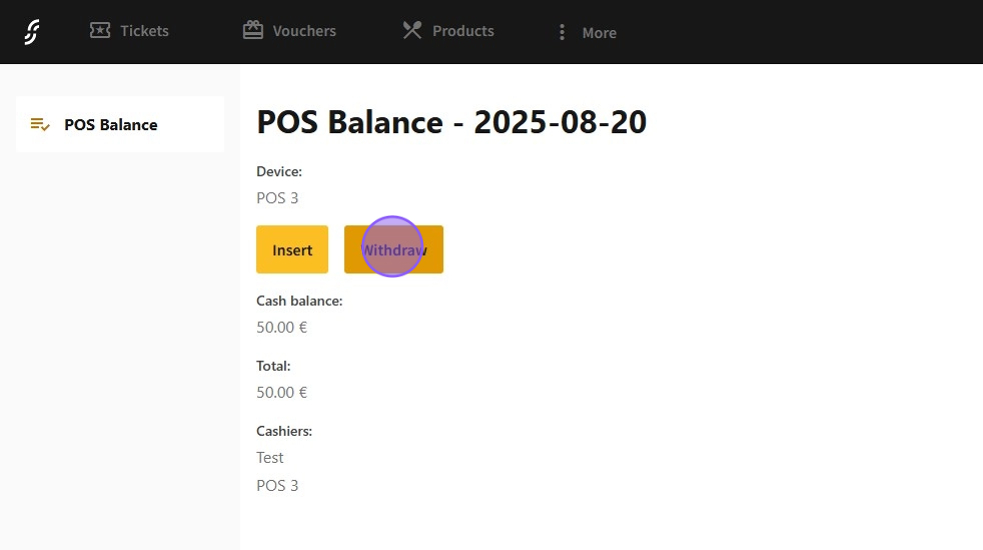
1.To withdraw money from the POS, click on the "Withdraw" button.
2.Input the amount of money into the "Amount" field and click on "Confirm."
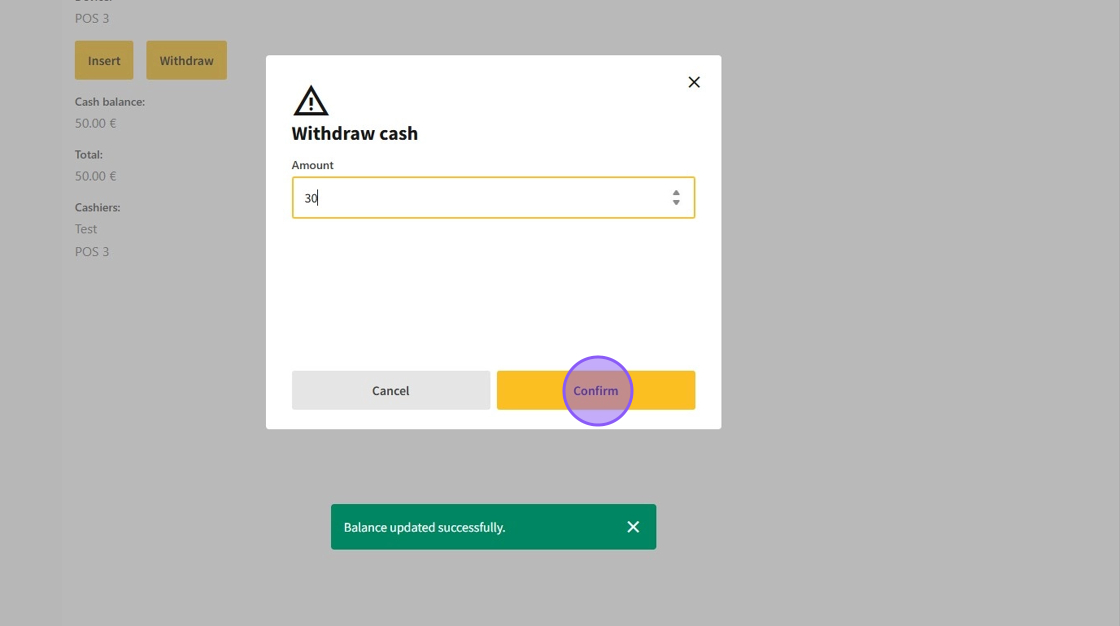
3.Now you can withdraw the money from the register physically.
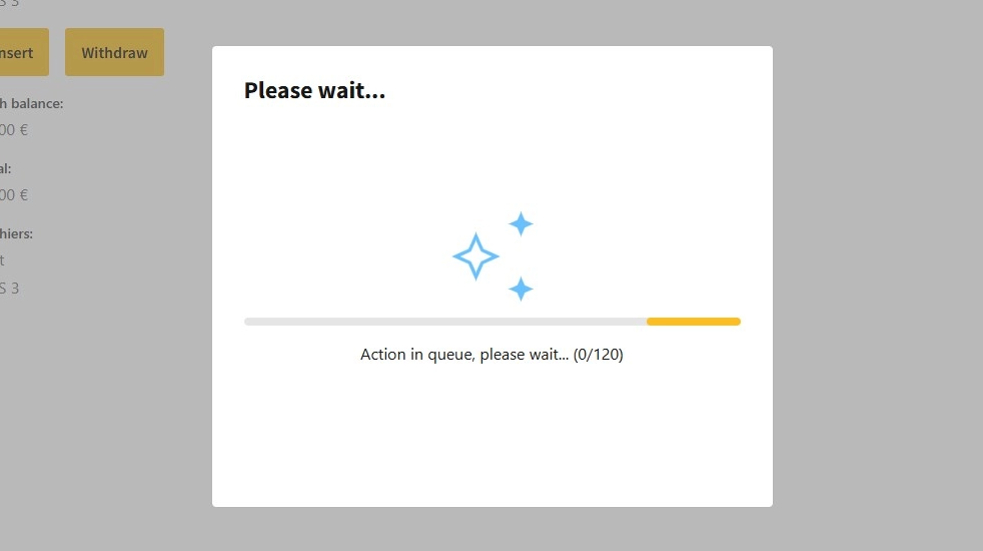
4.After successfully updating the balance, a receipt will be printed out.