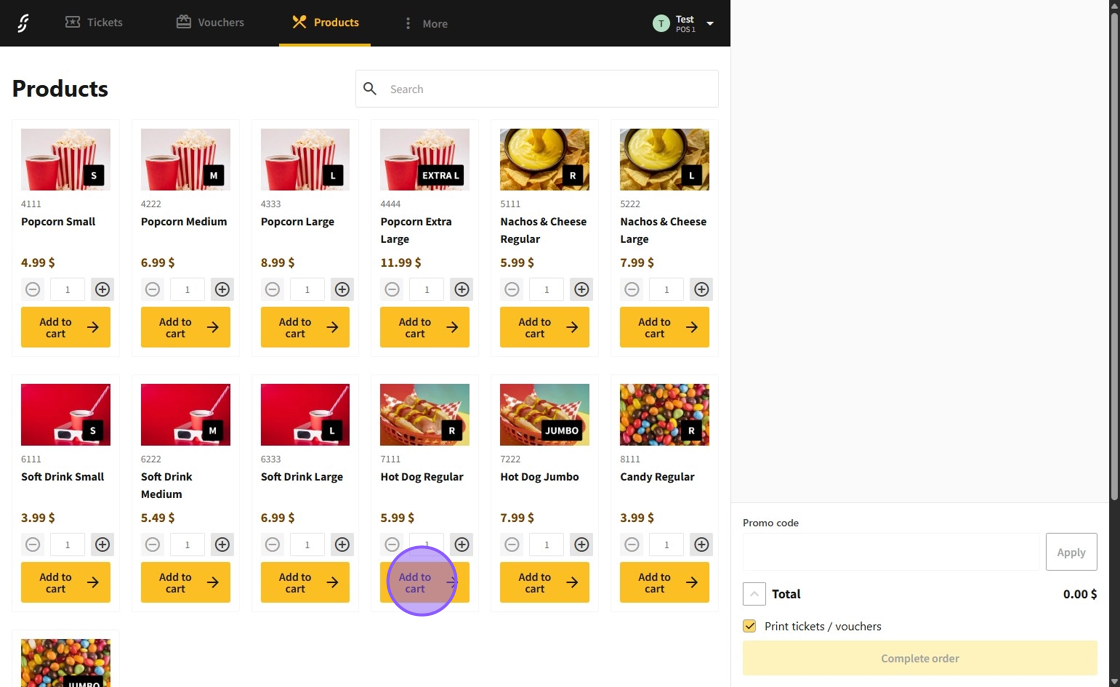
1.Some products in the POS system may feature a dynamic price option, which will prompt a menu for entering a custom price.
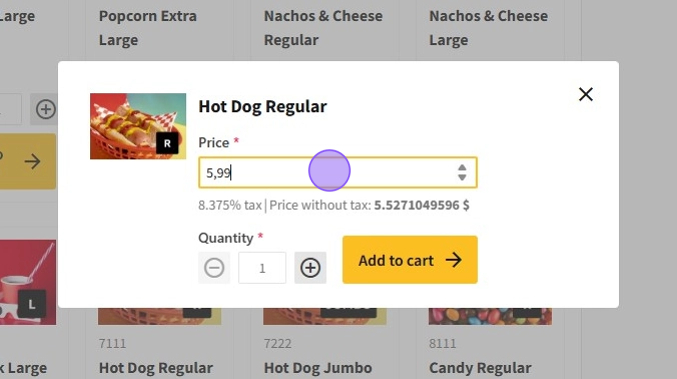
2.In the dynamic price product menu, you will see the dynamic price and the quantity options.
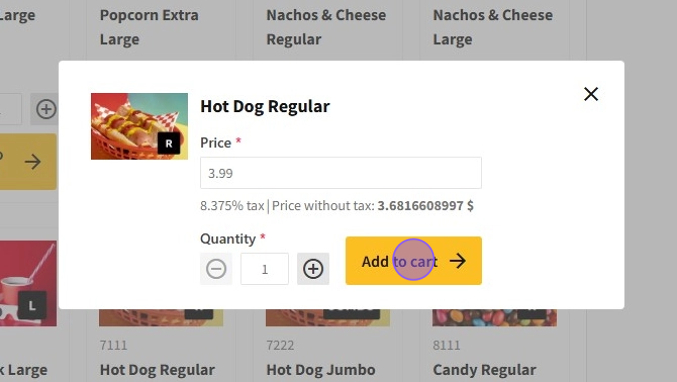
3.After setting the price and quantity of the product, click on the Add to cart button to add the products to the cart.
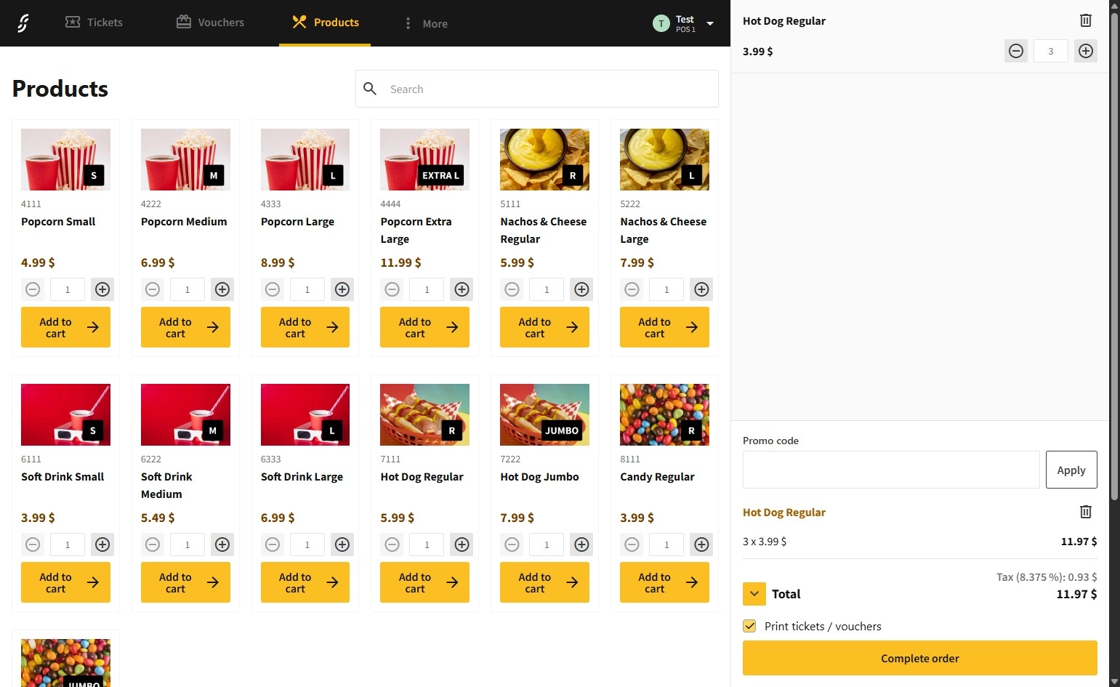
4.The product with the dynamic price will now be added.