➡️ Creating a news article

1.You can create a news article by going to Website admin ↪ News articles ↪ + Add new article.
✅ Entering article details
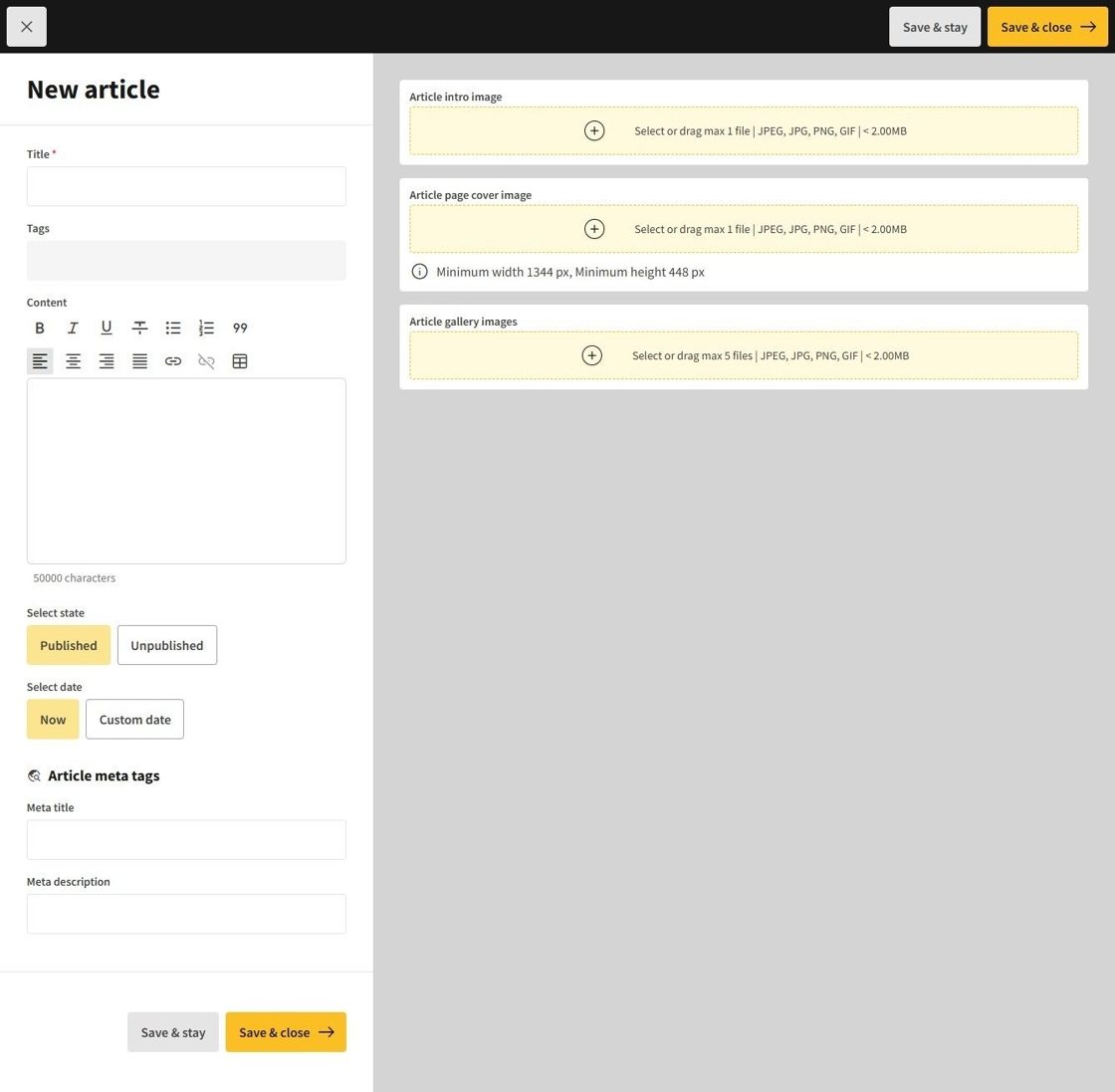
1.The details entered is displayed on the cinema's homepage in the news section.
Title: The headline of the news article that captures the essence of the content.
Tags: Keywords associated with the article to improve searchability and categorization.
Content: The main body of the article that provides detailed information and engages the reader.
Select state: An option to determine whether the article is currently published or still in draft mode.
Select date: The choice between using the current date (Now) or specifying a different date (Custom date) for when the article should be published or highlighted on the cinema's homepage.
Article meta tags are additional keywords or phrases to enhance the article's SEO and online discoverability.
Meta title: A concise title for search engines that summarizes the article’s content.
Meta description: A brief summary that appears in search results, aimed at enticing readers to click on the article.
➡️ Editing the article
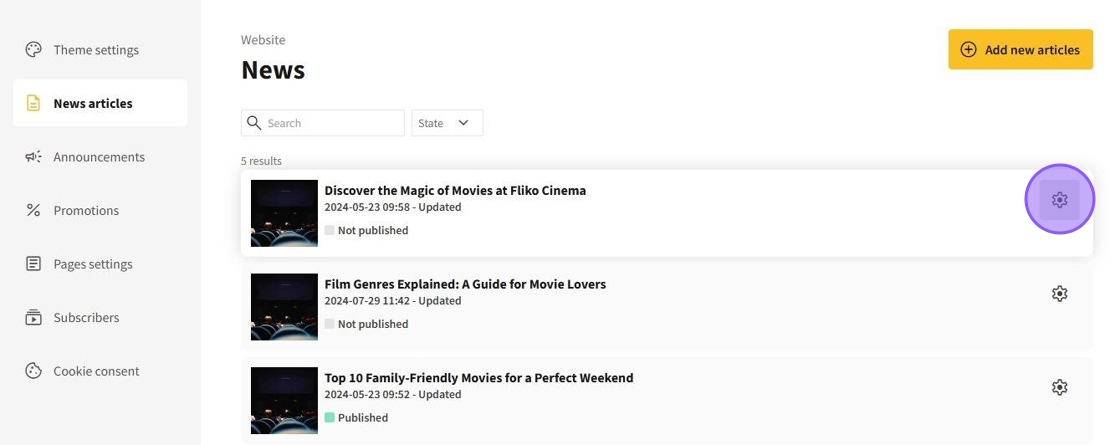
1.The created news articles is displayed in the general list of news Website admin ↪ News articles. You can edit the article information by clicking the gear icon on the article card.
✅ Deleting the article
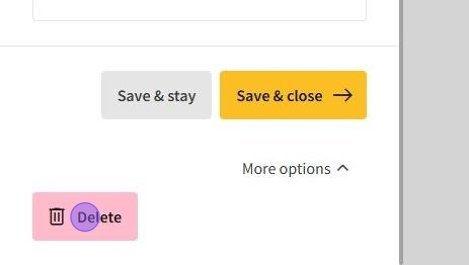
1.You can delete an article you have created, in the article page's More options dropdown section and clicking on the Delete button.