Uploading a logo on the website

1.You can upload/change the logo on the website by going to Website Admin ↪ Theme settings ↪ Branding tab ↪ + Upload logo.
2.Upload the new logo.
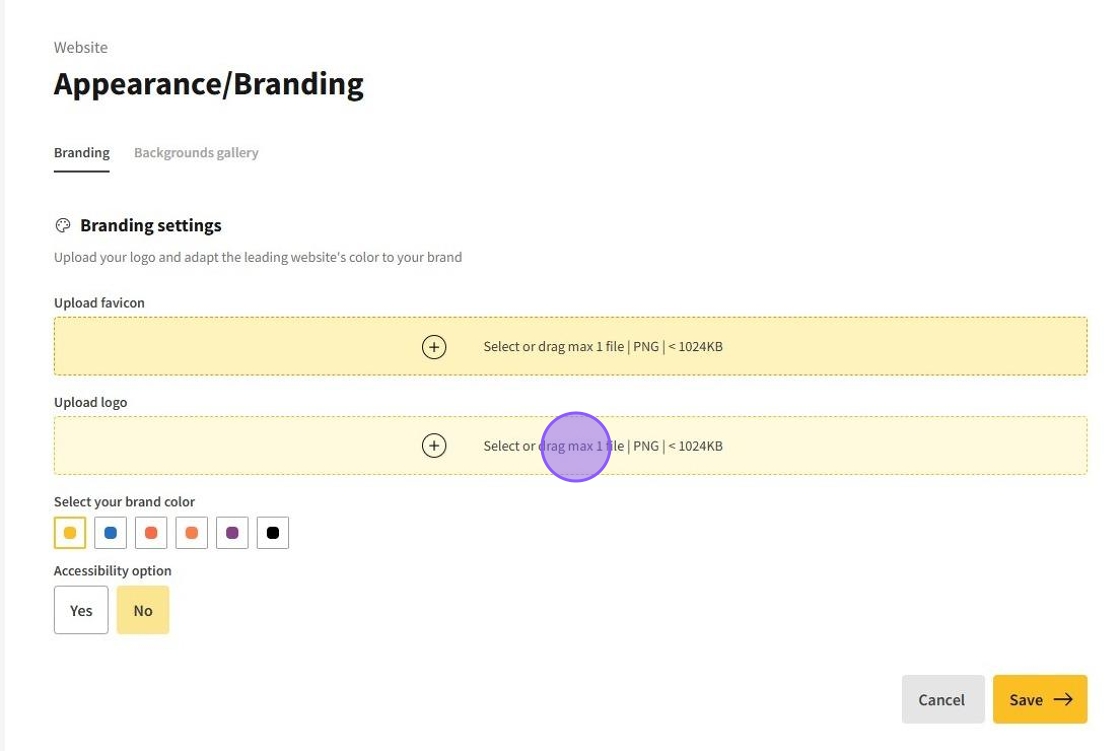
Important! Allowed file format is PNG. Maximum file size - 1 MB.
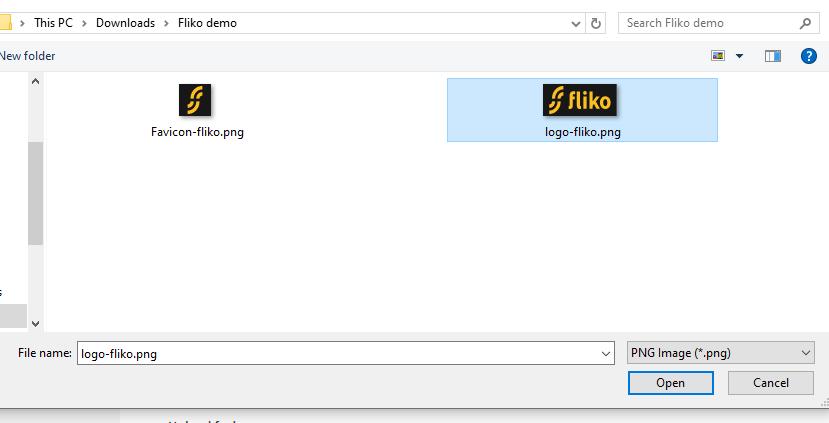
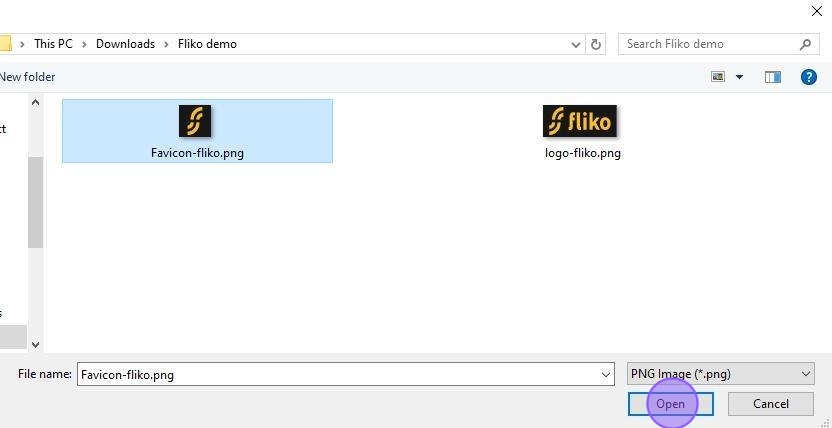
3.Select an image from your computer.
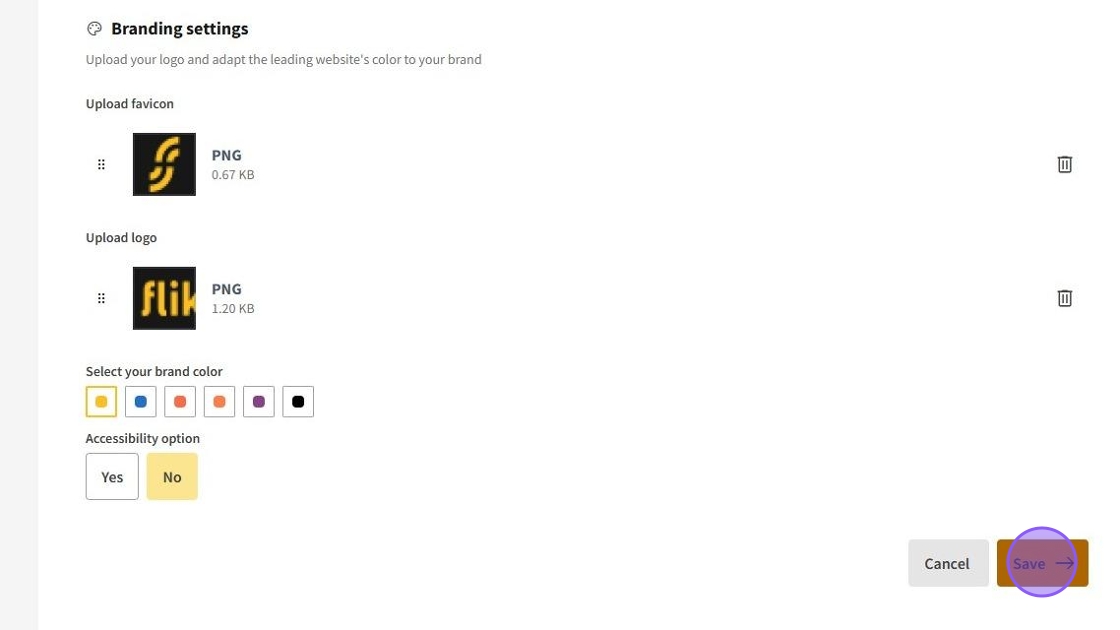
4.Save the changes by pressing on Save.
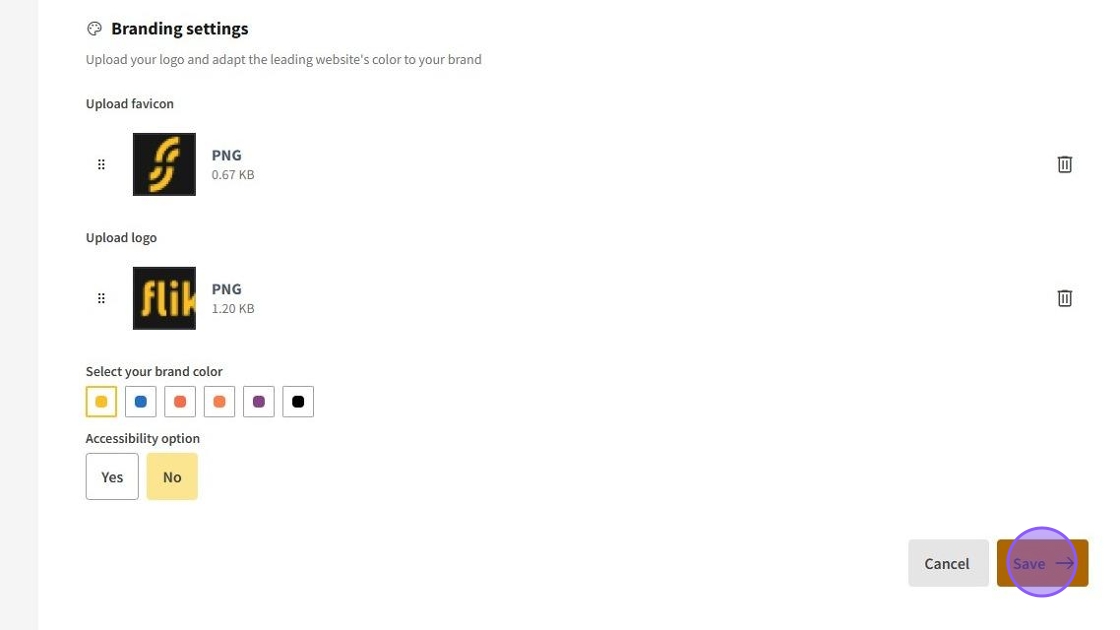
5.Click here.
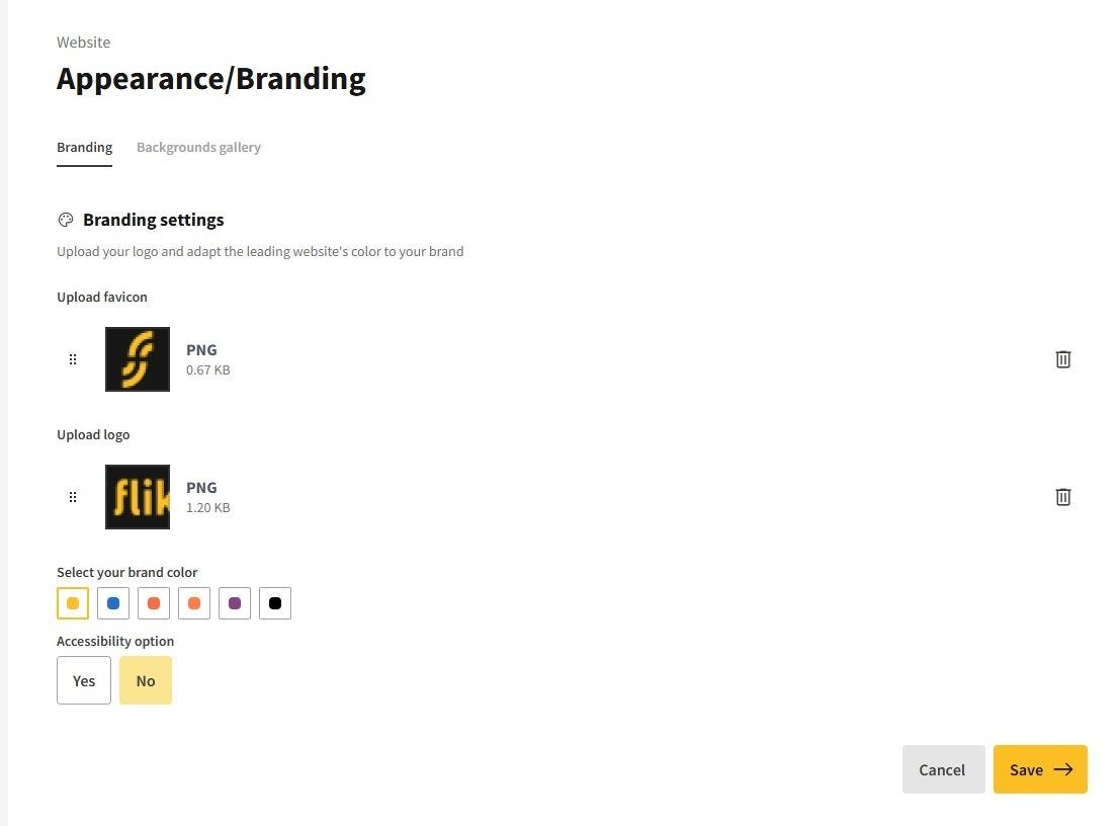
➡️ Changing the Favicon (displayed in the browser tab)
1.Upload the new logo.
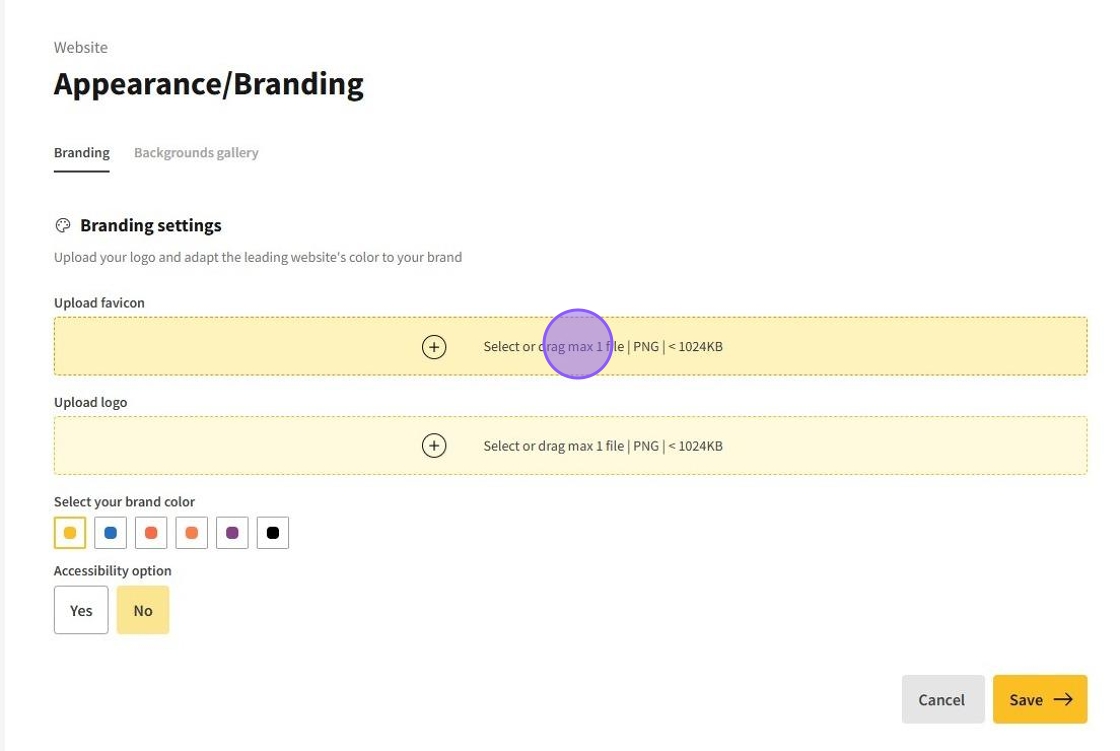
2.Select an image from your computer.
3.Save the changes by pressing on Save.
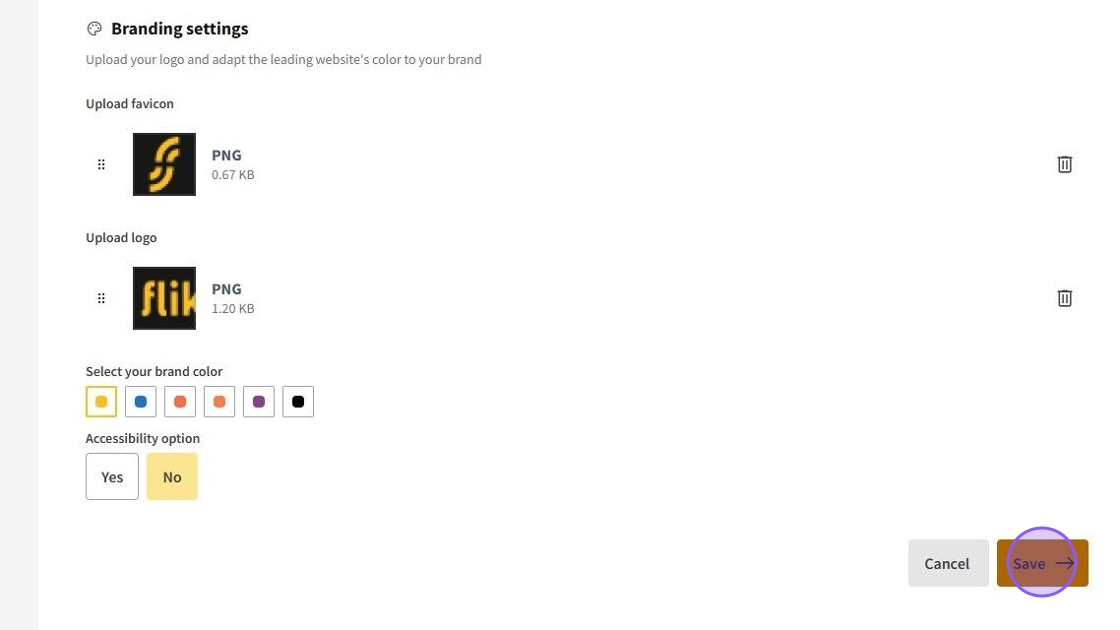
✅ Deleting a logo, favicon
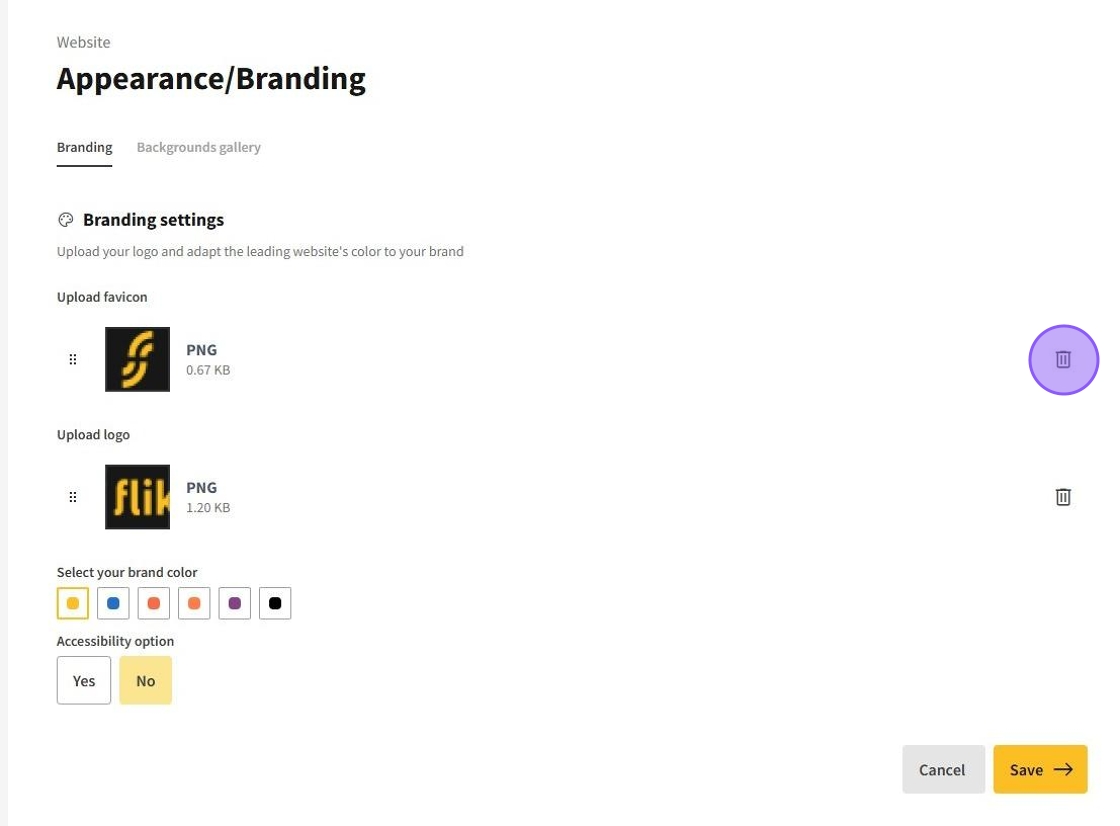
1.Click on the trash can icon to the right of the image you want to delete.
2.Save the changes by pressing on Save.